



"Areas" Menu Item
In Q-Matrix™, areas form the top hierarchy level of your company and are used to organize company areas.
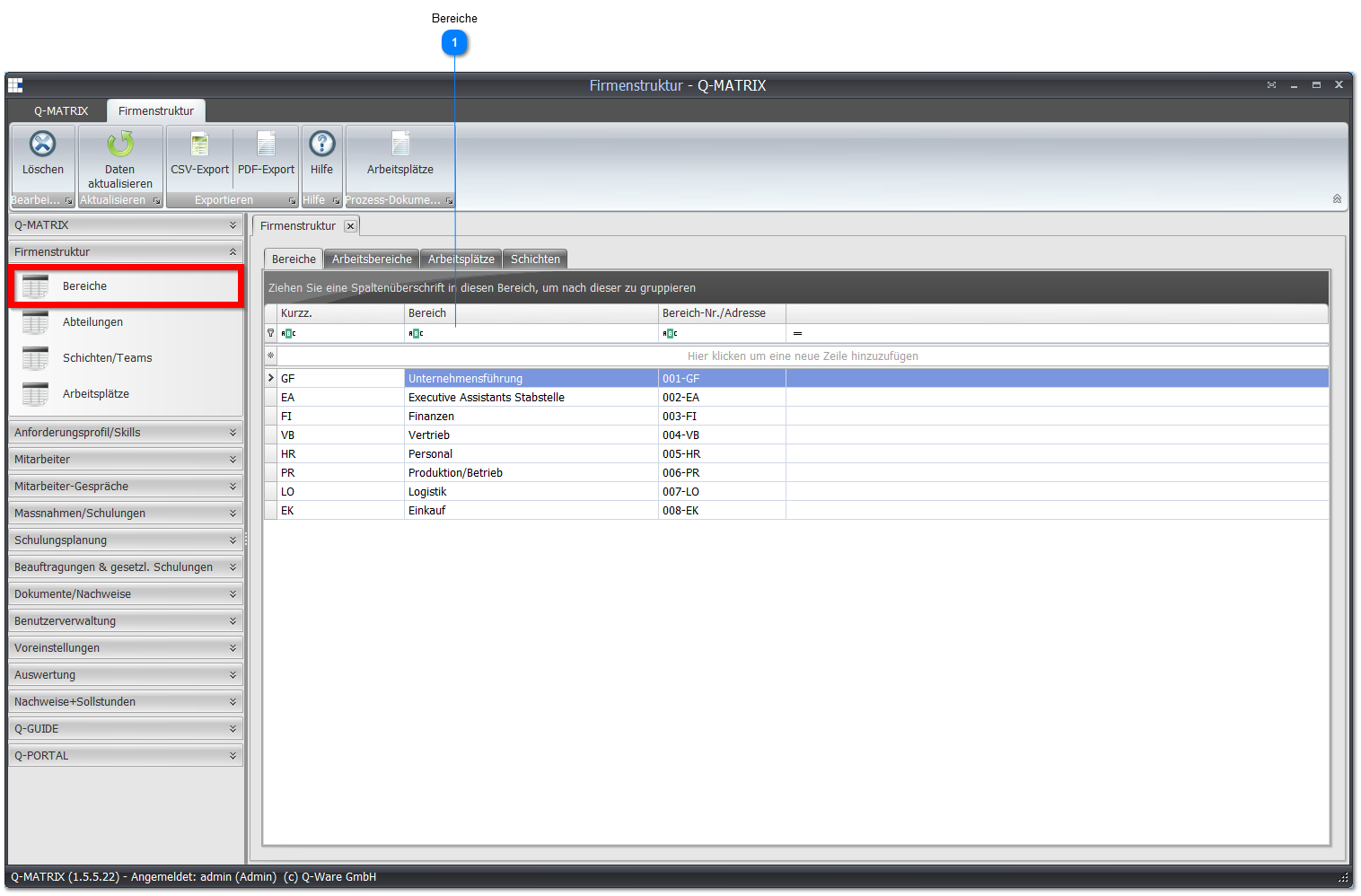
 Areas
Areas
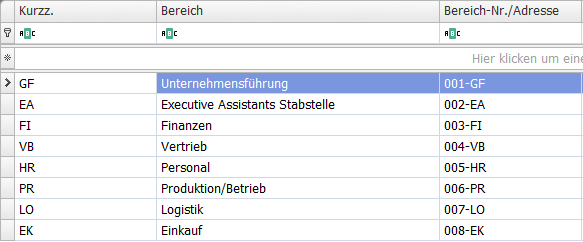
Depending on how your company is structured, specify your highest-level company unit on the Areas tab.
If you don't have areas in this sense, you can simply specify your company name here.
| Short code | Assign a unique identifier for your area here. |
| Area | Enter the exact name of the area here. |
| Area no./address | Set the area number or address here. |
Note:
To modify a record, click into the row/cell of the record to be changed and enter the desired information.
After making the change, you must leave the row again so that the record is saved.