



Learning Topics (LT)
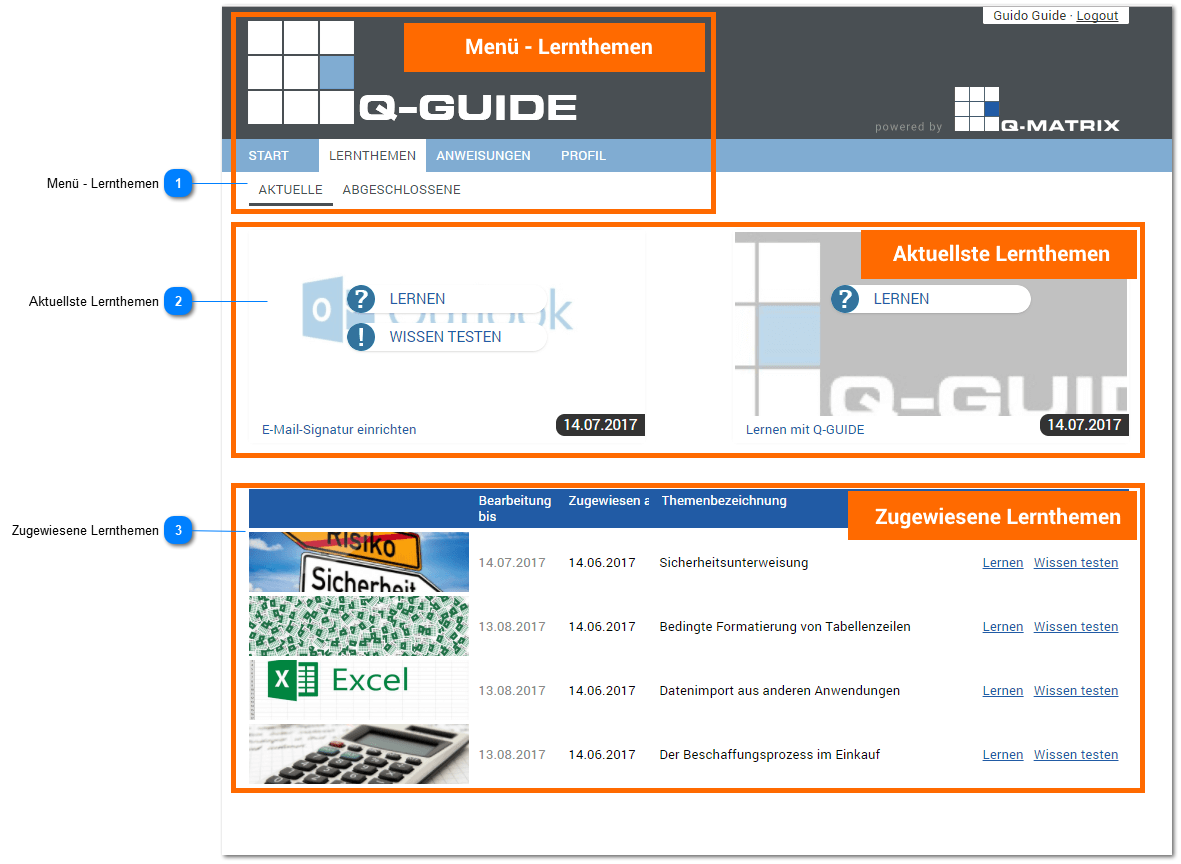
Menu - Learning Topics
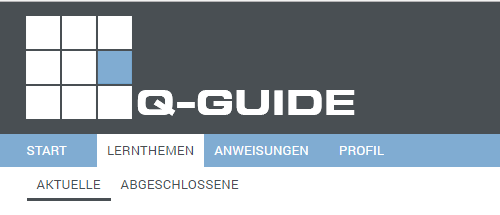
If the Learning Topics tab is active in the main menu, a small submenu lets you display Current learning topics, i.e. those not yet fully processed, or Completed Learning Topics assigned to you.
Most Recent Learning Topics
The current learning topics are all learning topics that you have not yet fully processed or viewed.
Only once you have worked through a learning topic from the first to the last slide is it marked as completed.
Learning topics that require a knowledge test are only considered completed once you have successfully passed the knowledge test.
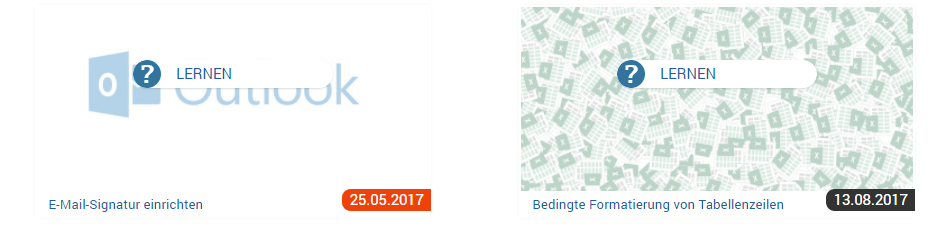
In the upper area of the current learning topics, the two MOST RECENT LEARNING TOPICS that should be processed next are displayed.
The decisive factor for this view is the processing date that will be reached next or has already been exceeded. In this case, the date appears highlighted in orange.
Assigned Learning Topics
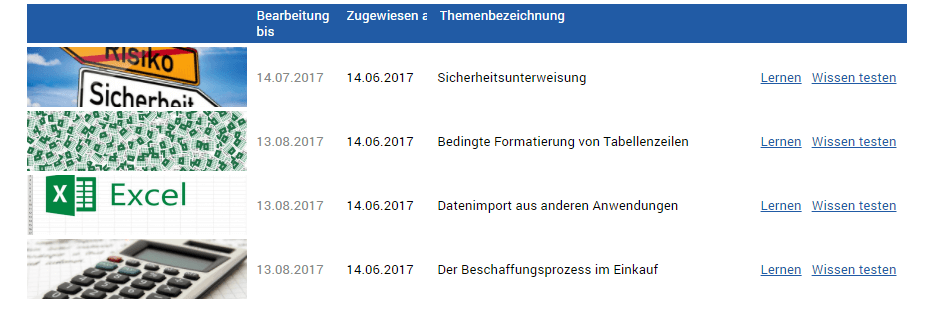
In the lower part of the overview, you find all other assigned learning topics listed that you have not yet completed.
Alongside the topic name and the title image of the learning topic, you see by when the learning topic must be fully processed by you. You are also shown the date on which the learning topic was assigned to you.
To open a learning topic for editing, click the LEARN button.
If the learning topic requires a knowledge test, you also see the TEST KNOWLEDGE button.
Clicking it starts the knowledge test.