Qualification Assessment
After you have successfully linked individual tasks to workplaces and, in turn, assigned those workplaces to employees, you can now start assessing employees in the individual task areas (individual tasks).
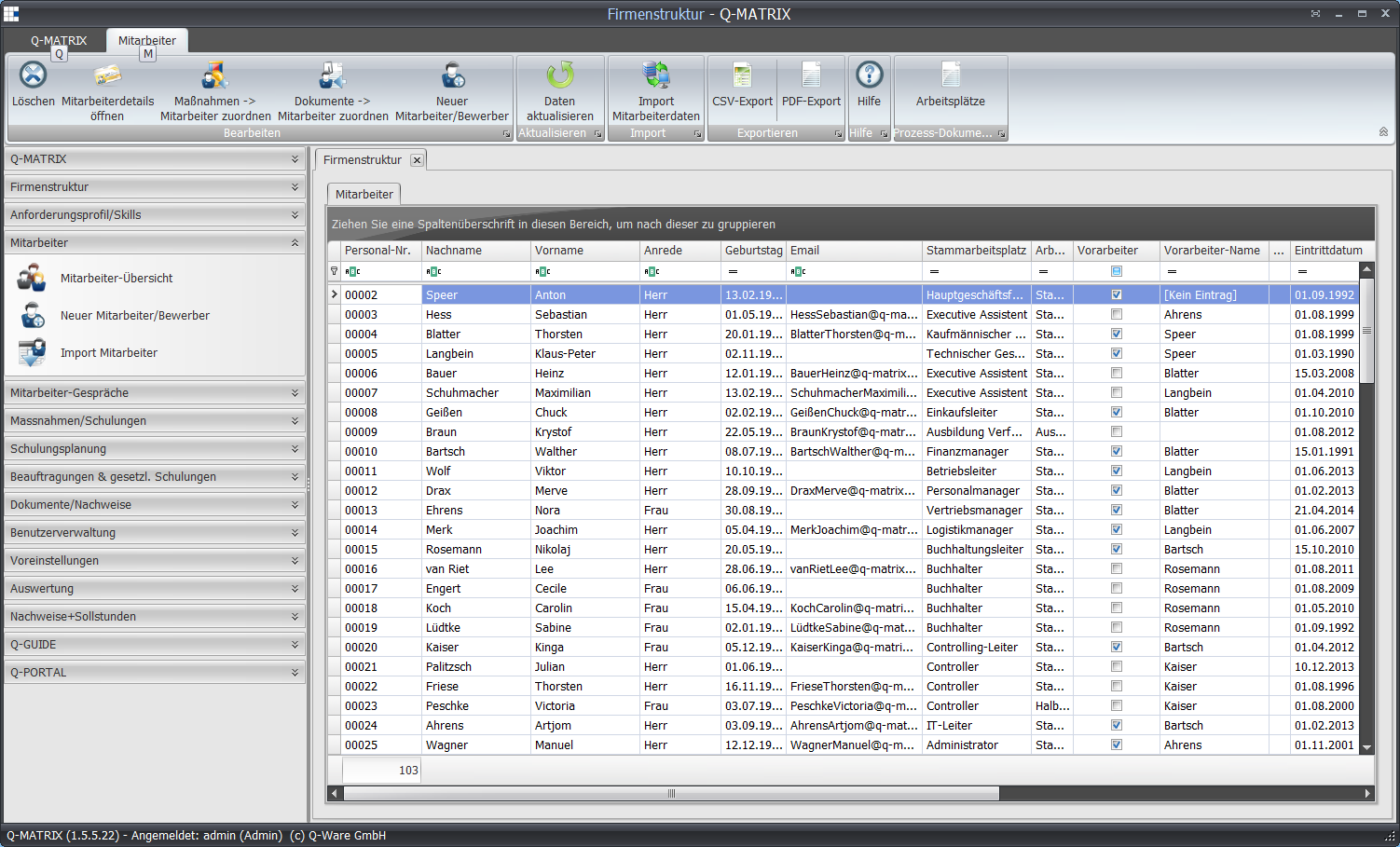
Via the "Employee overview" menu item, you can carry out the assessment for an employee via the employee details.
This individual, person-specific qualification matrix allows you to enter assessments for all workplaces/roles assigned to the employee.
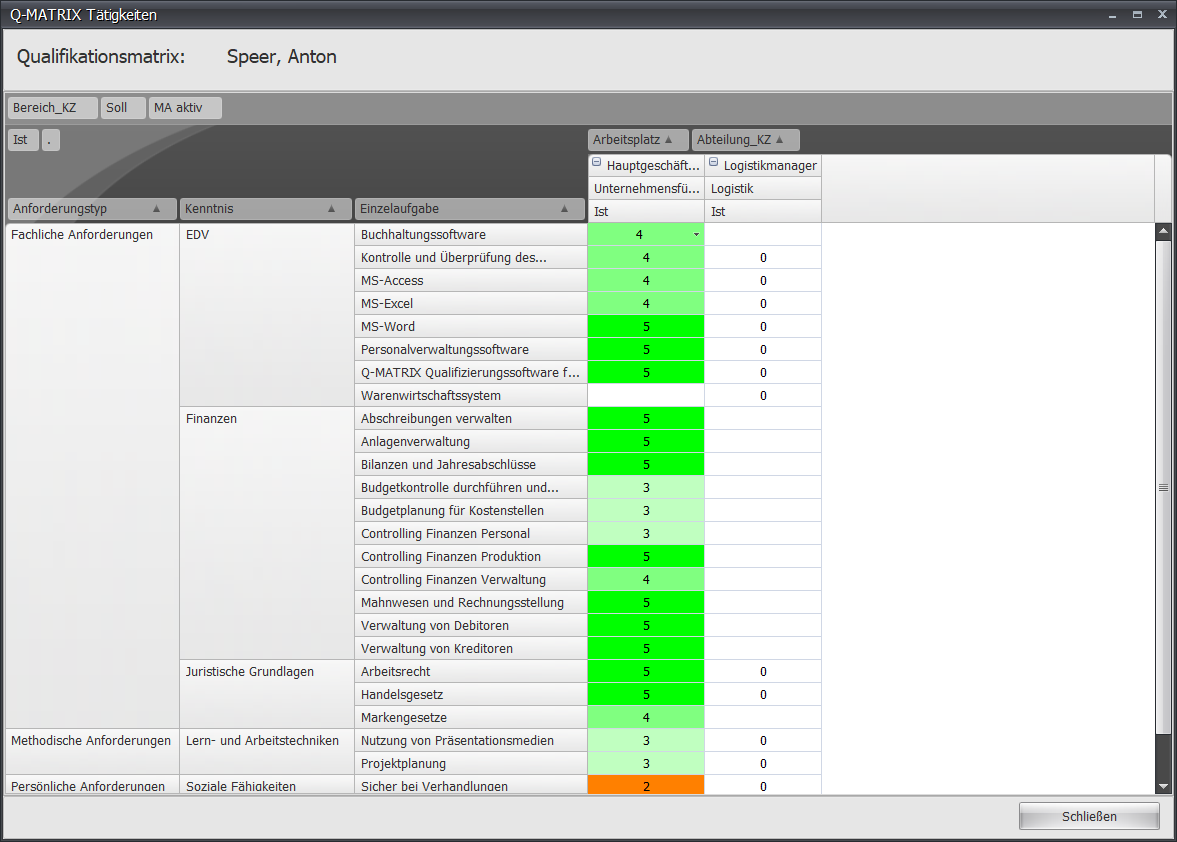
In the "Actual" column, assessments can now be made for the individual tasks.
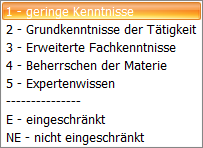
The scale comprises the values you previously defined in the qualification levels.
Example: