



Read Instructions
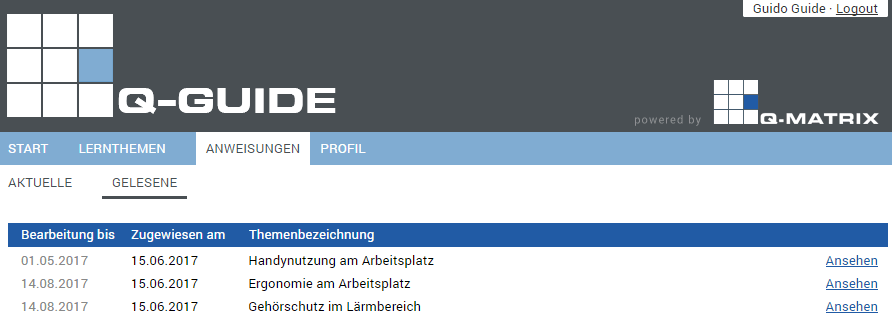
Once you have fully viewed, worked through, and understood an instruction and confirmed this accordingly, this instruction is considered READ.
Read instructions are no longer displayed under current instructions, but under the "Read" tab in the INSTRUCTIONS main menu.
You can view any read instruction again at any time by clicking VIEW on the right in the row of the desired instruction.
Note:
Reconfirming that you have read and understood it is not required in this case.

The Overview button takes you back to the list of read instructions.