



Tab "Print Templates"
The preferences of the "Print Templates" tab are as follows:
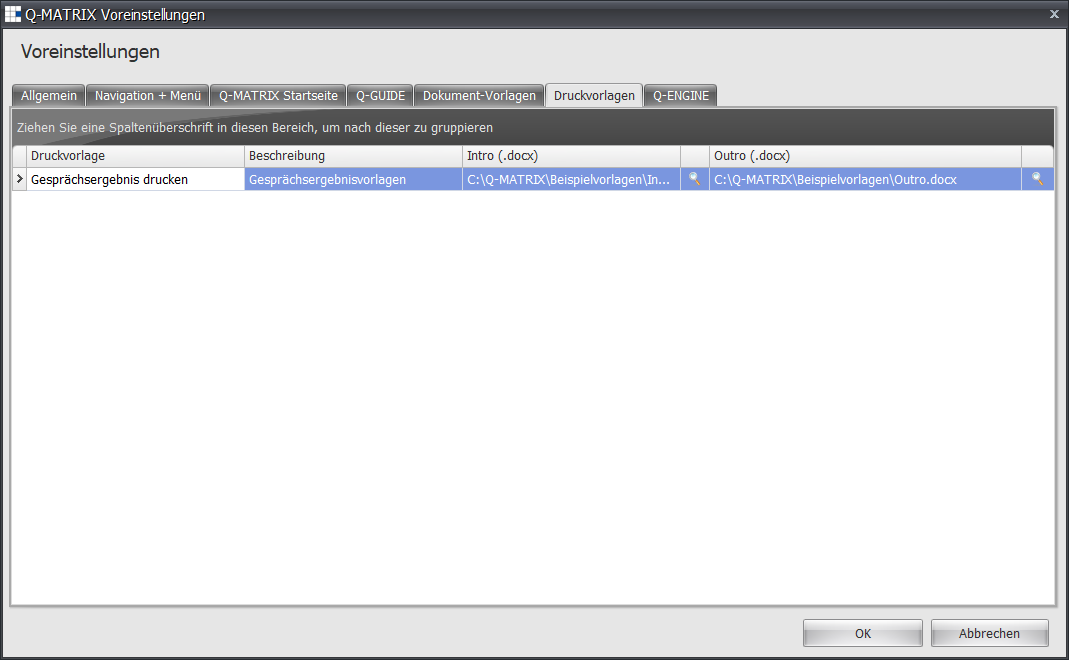
| Column | Content |
| Print Template | Name of the print template - default: Print interview result - for printing the record of an employee interview |
| Description | Here you can store your description for the print template - default: blank |
| Intro (.docx) | If the path and document name are known, they can be entered directly in the text input field. |
 | Clicking this icon opens a file selection dialog to make an assignment for the selected row/document.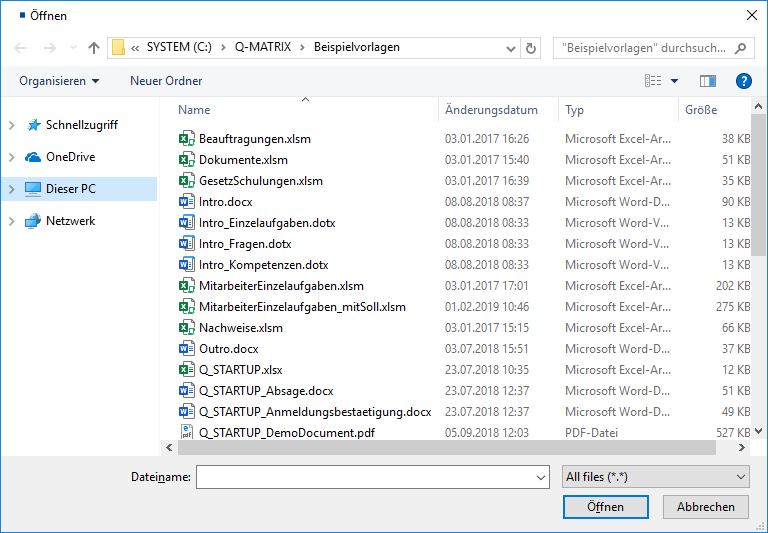 Clicking Open enters the selected file into the Intro (.docx) column. |
| Outro (.docx) | If the path and document name are known, they can be entered directly in the text input field. |
| Clicking this icon opens a file selection dialog to make an assignment for the selected row/document. Clicking Open enters the selected file into the Outro (.docx) column. |