



Menu Item "Status Settings"
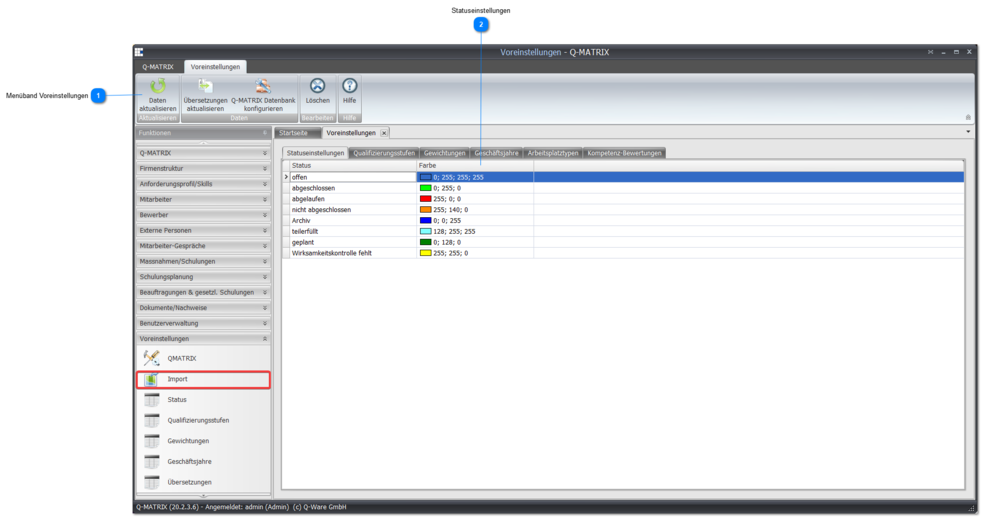
 Preferences Ribbon
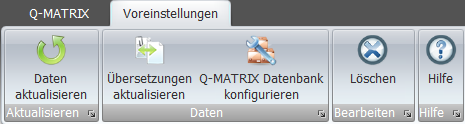
The special functions of the Preferences ribbon are explained here.
 Status Settings
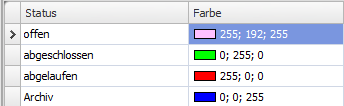
| Status | Shows the current status of the measure:
The status information cannot be changed, and no new status information can be added. | ||||||||
| Color | Shows the color of the displayed status. Click the field and select an individual color setting from the color picker. Click the various tabs to switch between color profiles. 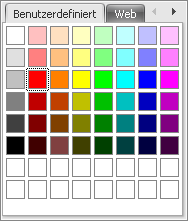 |