



Menu Item "Target/Actual Deviations"
Get an overview of which individual tasks show deficits or notable strengths among your employees.
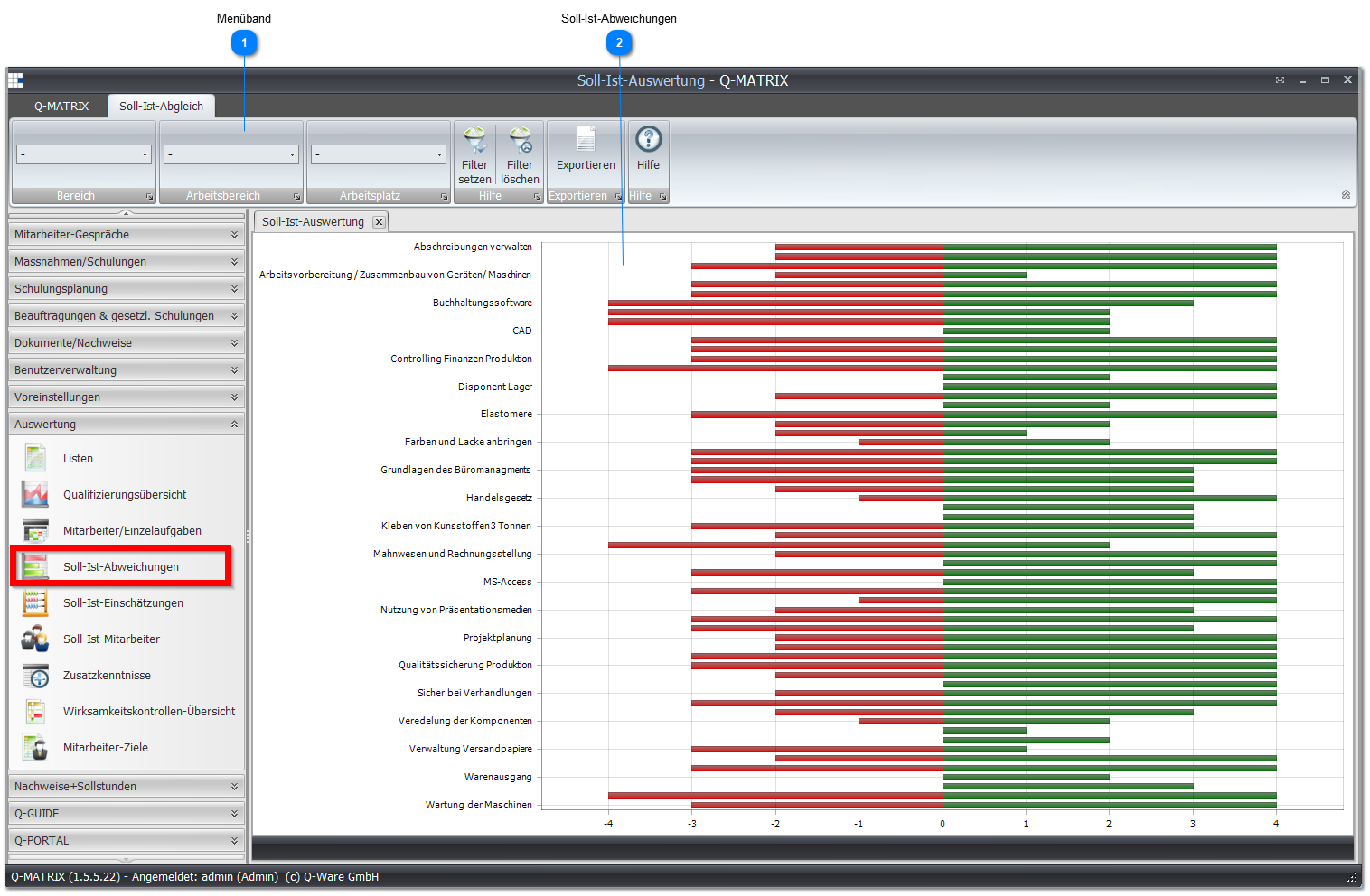
 Ribbon

| Area | Select an area. |
| Work Area | Select a work area. |
| Shift/Team | Select a shift. |
| Set Filter | Activates the filter you specified |
| Clear Filter | Removes all filters |
 Target/Actual Deviations
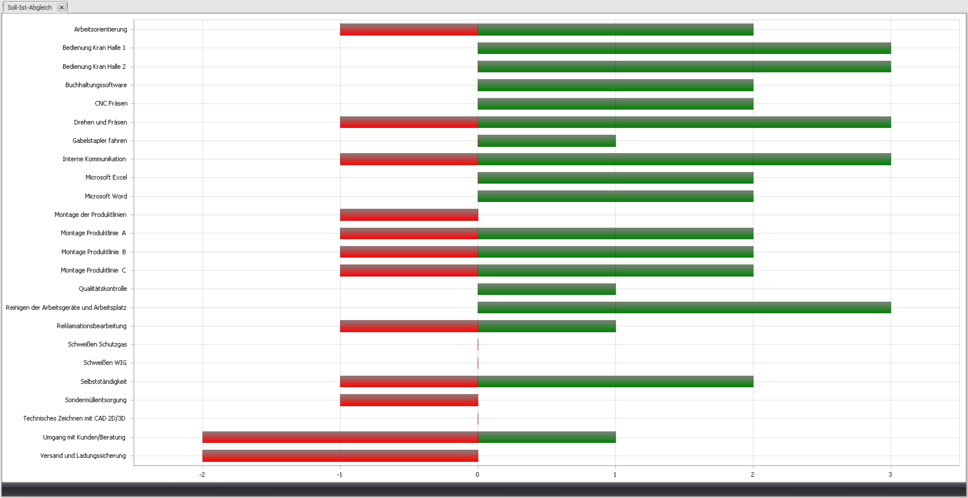
This view shows you the maximum deviation from the target score of an individual task that occurs for an employee.
The Y-axis is always assigned to individual tasks, and the X-axis shows how large the deviation from the target score is.
You can change the displayed data according to the settings.
Example:
If, in the top bar chart, you see a red bar for the individual task Work Orientation that extends to the point -1 on the X-axis, at least one employee (possibly several) has a rating for that individual task that is one point below the required target score.
Likewise, you see that the green bar extends to the point 2 on the X-axis.
So at least one employee's rating in the individual task is 2 points above the required target score.
You are shown the maximum deviations.
This means no employee is more than 1 point below and no employee is more than 2 points above the target score.
IMPORTANT:
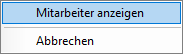
Right-click the bar of an individual task to open the target/actual assessment of the individual employees.
Note:
On touchscreens, the graphic can be shrunk/enlarged via gesture control.