



Menu Item "Documents ► Position"
This wizard lets you assign one or more documents to one or more positions.
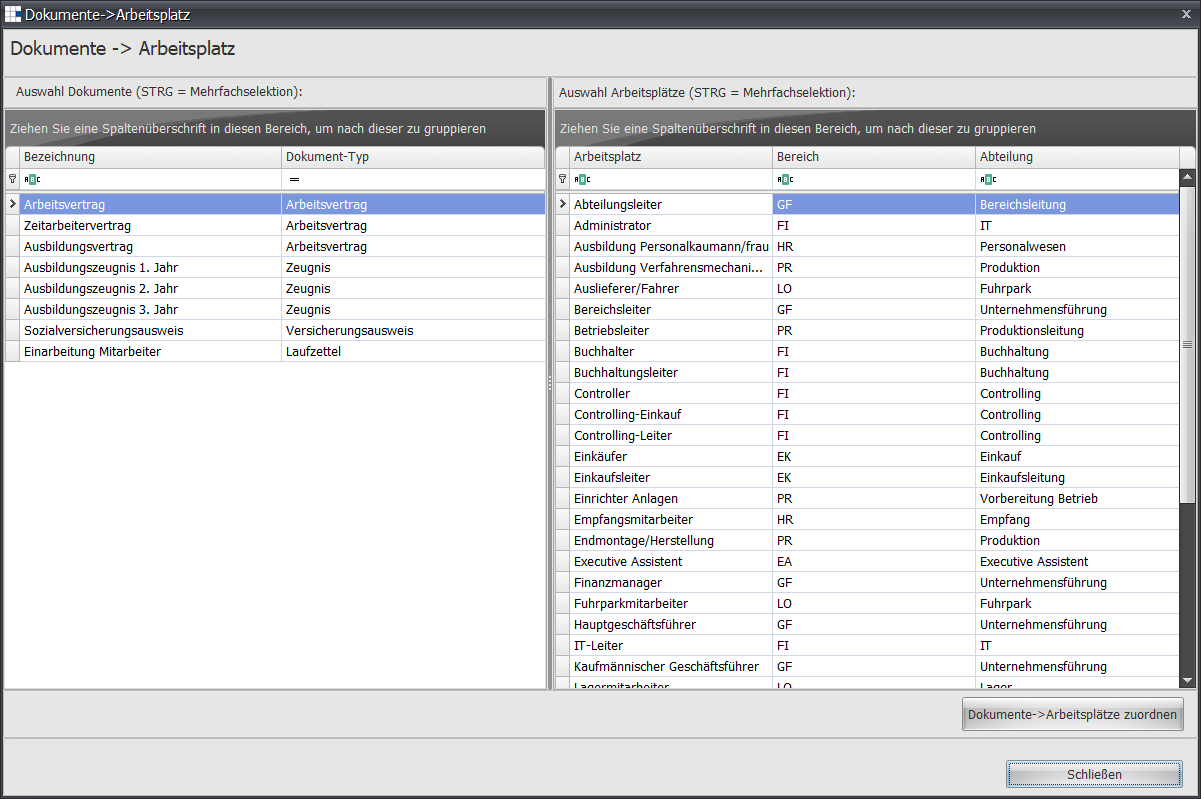
- Select a document, and your selection is highlighted in blue. If you want to select several documents, hold down the CTRL key and mark further documents with the left mouse button. Each selected document is displayed highlighted in blue.
- Now follow the same steps for the position selection.
- Complete the assignment using the Assign Documents ► Positions button
- If you want to make further assignments, start again from step 1.