



Log
You can view the Q-Portal logs in a tabular overview.
Two (2) different logging variants are available for this:
The level of detail of the logging is set in the application configuration.
Please note that changes to the application configuration cause the application to restart and require all users to log in again.
Normal
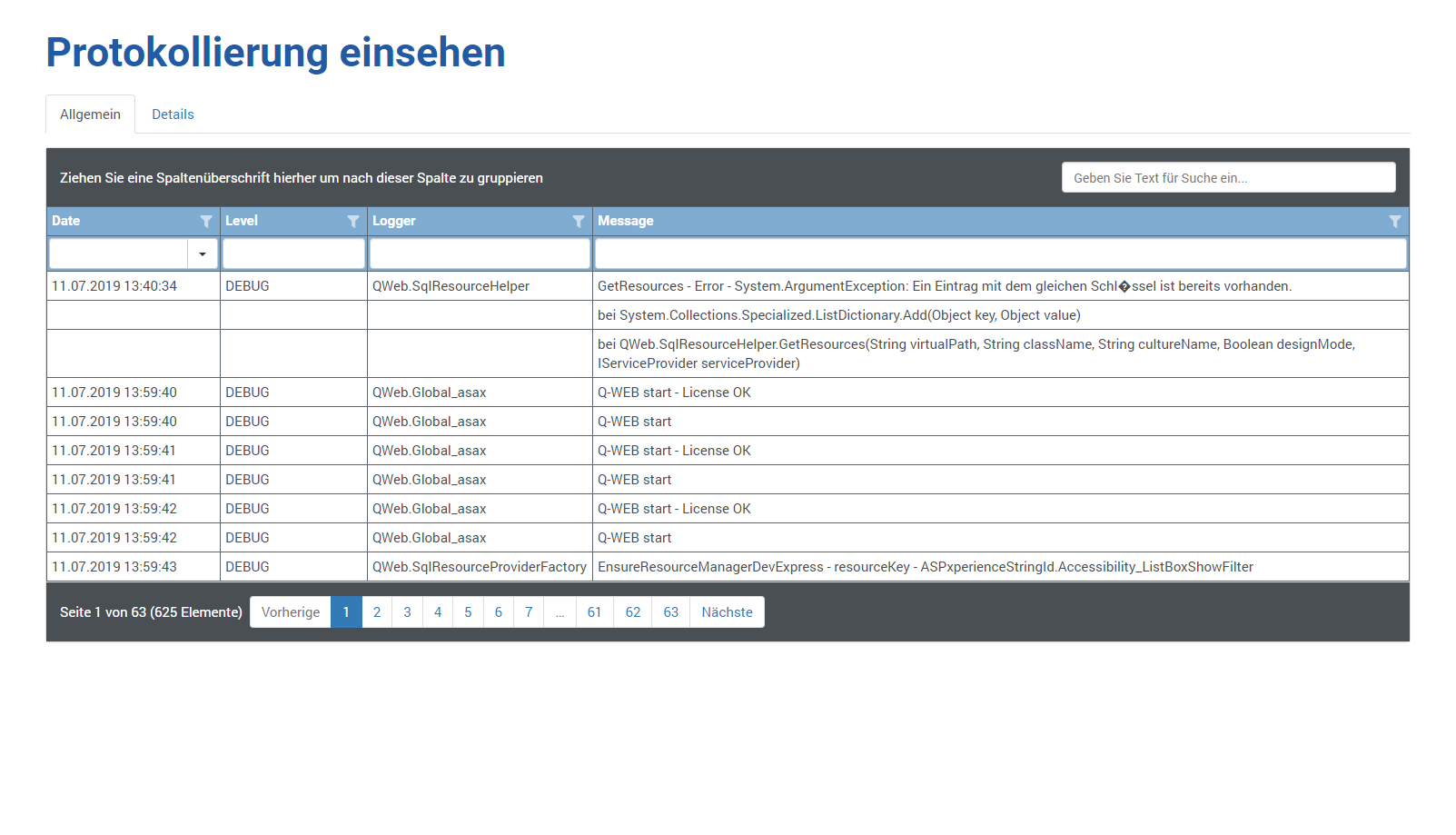
The following information is shown to you:
| Date | Date and time of the log entry |
| Level | Logging level (ALL, DEBUG, INFO, WARN, ERROR, FATAL, OFF) |
| Logger | Program component of the log entry |
| Message | Log entry |
Detailed
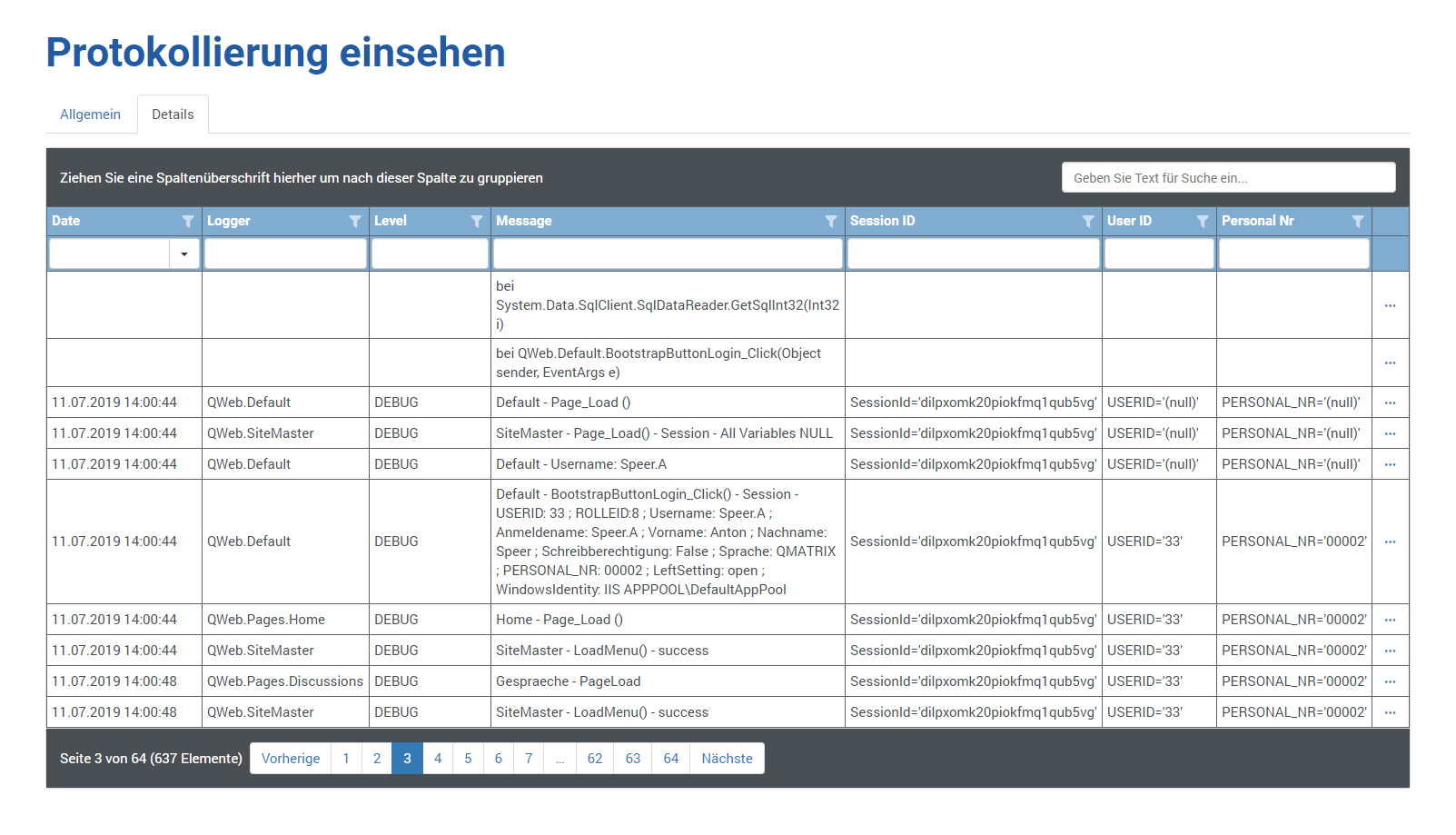
The following information is shown to you:
| Date | Date and time of the log entry |
| Level | Logging level (ALL, DEBUG, INFO, WARN, ERROR, FATAL, OFF) |
| Logger | Program component of the log entry |
| Message | Log entry |
| Session ID | Session ID from the web server for this connection |
| User ID | User ID from Q-Matrix™ for this connection |
| Personal Nr | Employee number of the user ID from Q-Matrix™ for this connection |
| Client Ip Adress | IPv4 or IPv6 network address (TCP/IP) of the browser device (e.g. PC) for this connection |
| Client User Agent | Browser detail information for this connection |
| Server Name | URL of the web server for this connection |
| Request Method | The type of data access to the web server for this connection |
| Request Url | The full and detailed URL for this connection |
| Request Query String | The query string for this connection |
| Request Cookies | The cookie detail information for this connection |