



Assignment
Allows you to assign a user to the areas, departments, and teams for the access of these management roles.
A user can have several assignments, so that access to, for example, two (2) departments or areas is possible.
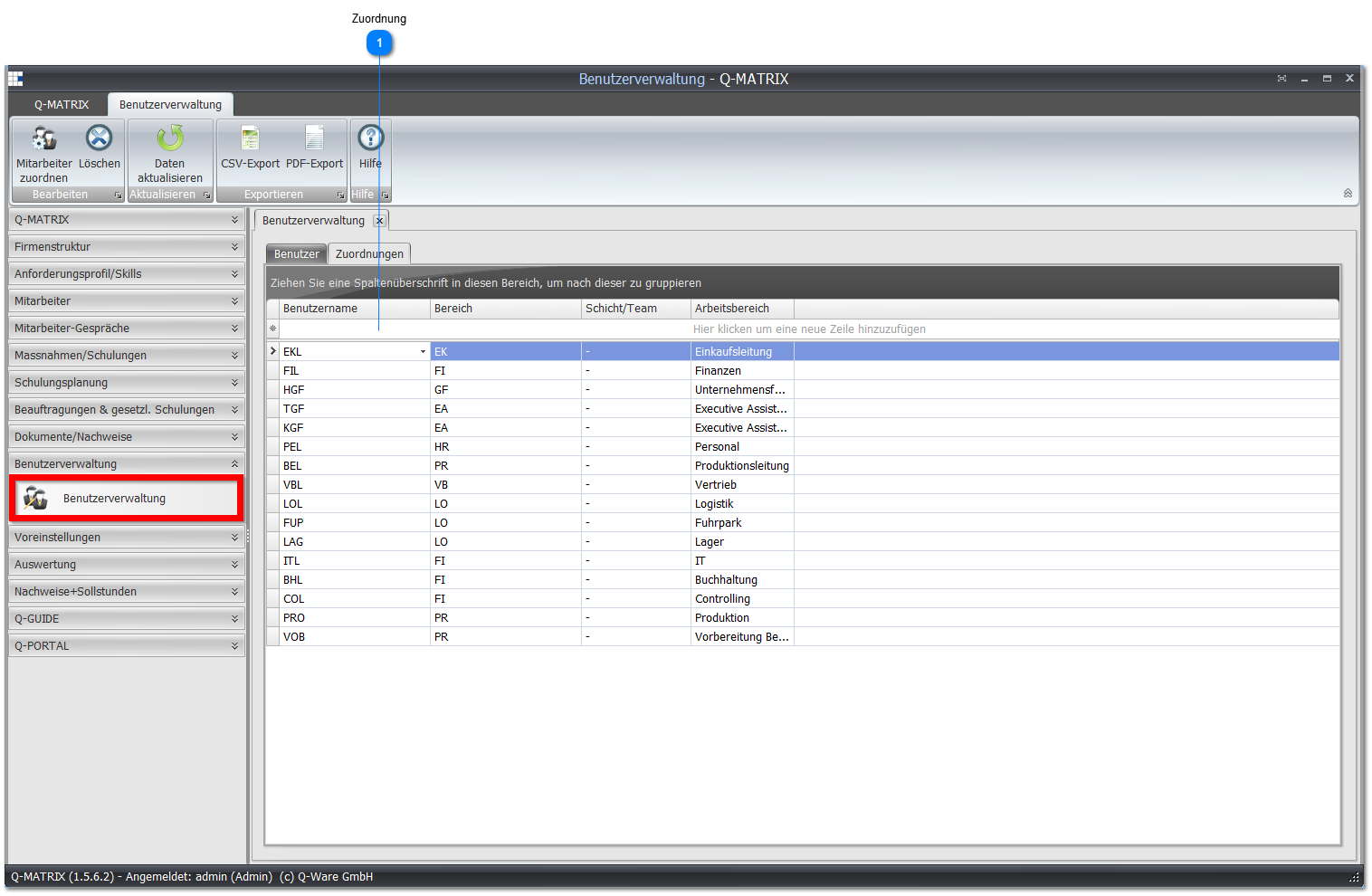
 Assignment
| Username | Shows the name of the user |
| Area | Select the area for which the user is responsible. The user then sees all employees from this area |
| Shift/Team | Select the shift/team for which the user is responsible. The user then only sees the employees from the selected shift/team if they have the Team Leader role. |
| Work Area | Select the work area for which the user is responsible. The user only sees the employees from the selected work area and its associated shifts if they have the Department Manager role. |
Depending on the user's role, you define the assignment here.
For a user in the HR Department or Administrator role, you do not need to make an assignment.
These users can generally access all areas and employees.
Users in the Area, Team, or Department Manager roles must be assigned accordingly.
An area manager must therefore be assigned to an area, a team leader to a team, etc.
The users then only see employees who belong to this area or team.