



Records / Certificates
Shows you the tabular report for the records / certificates issued for all users and all learning topics.
You can also regenerate and download the records / certificates for one or more users for selected learning topics.
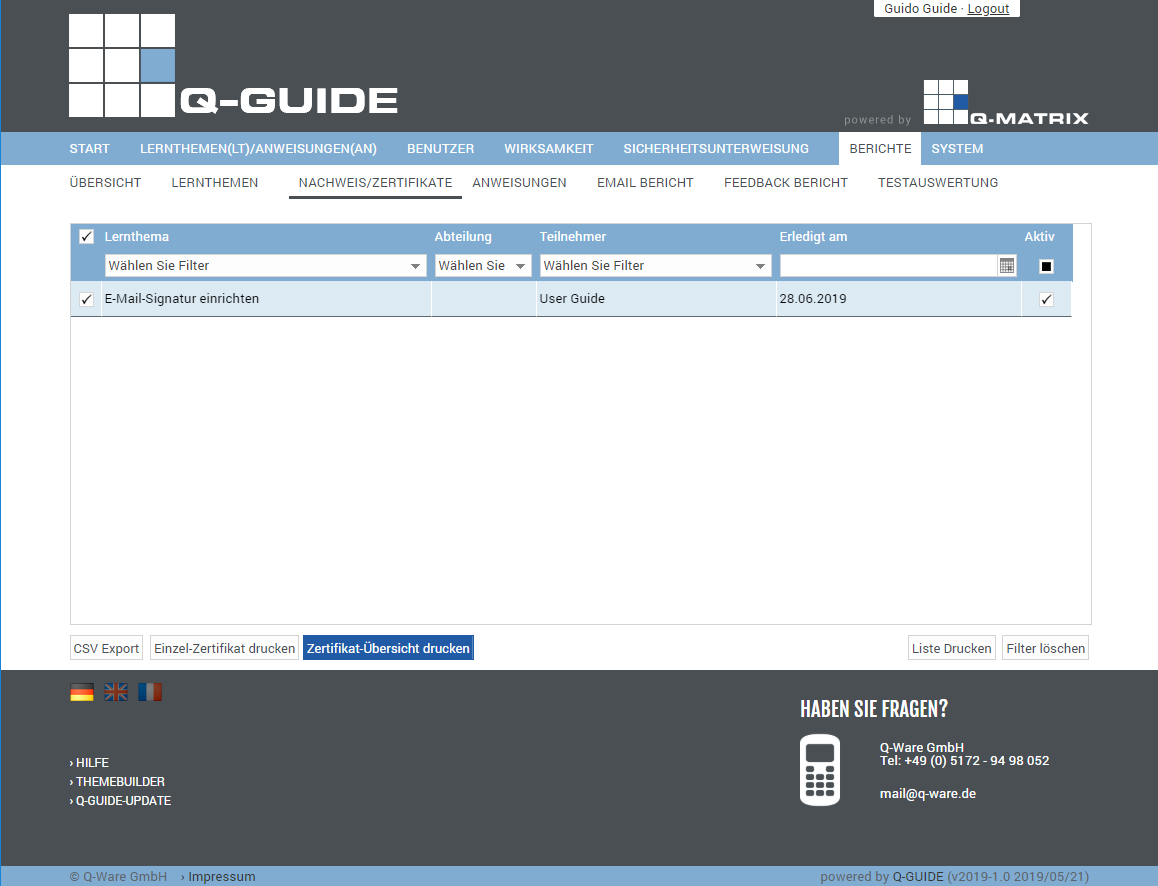
You can view the following information:
| Selection | In this column, you can specify whether an action should be performed for this learning topic. Simply click this icon ( ), and the row is selected ( ), and the row is selected ( ). The selected row is also highlighted with a light blue background to indicate the selection. ). The selected row is also highlighted with a light blue background to indicate the selection. |
| Learning Topic | This column shows the title of the learning topic |
| Department | This column shows the user's department |
| Participant | This column shows the name (first and last name) of the user |
| Completed On | Shows you the date the learning topic was completed |
| Active | Shows you whether the learning topic is still active () or not () |
You can use these functions:
| CSV Export | Exports all data shown in the table to the file "Benutzer Liste Stand vom <today>.csv" as a CSV file. The CSV file contains the fields listed in the table as columns. |
| Print Single Certificate | Opens a new browser tab for the selected record. You can then download the certificate as a PDF. For example, in Google Chrome: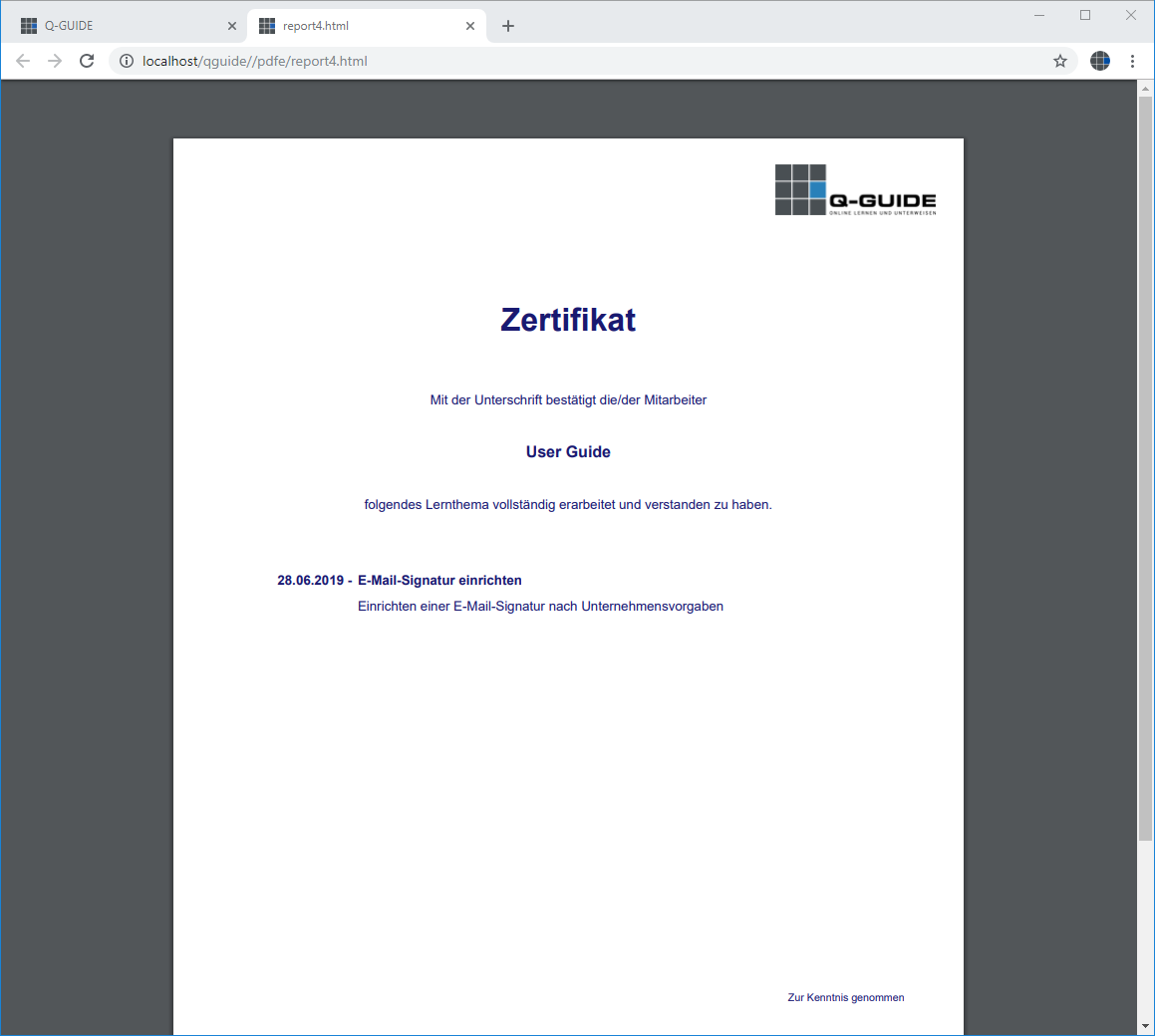 |
| Print Certificate Overview | Opens a new browser tab for the selected record. You can then download the record for all marked records as a PDF. For example, in Google Chrome: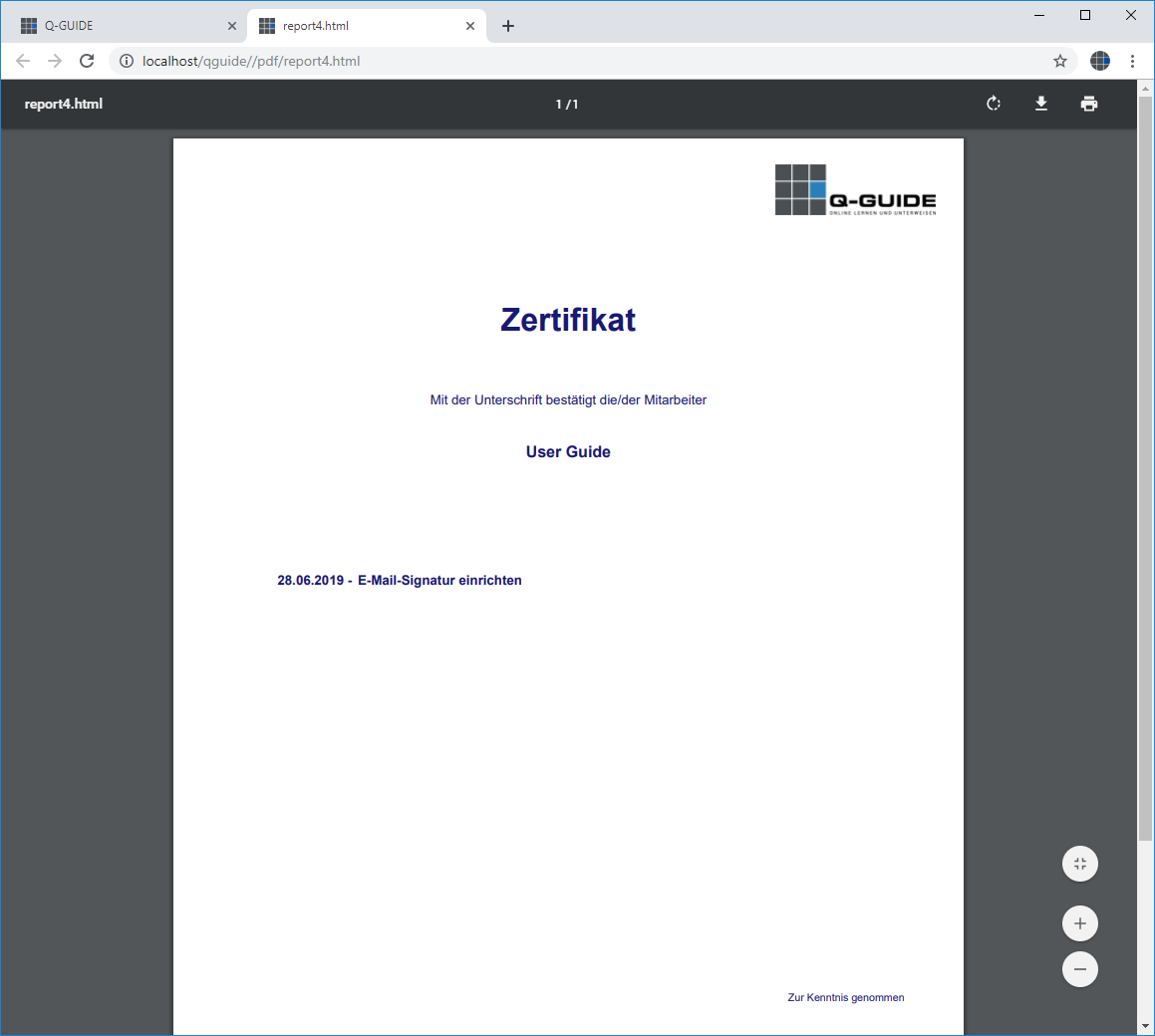 |
| Print List | Opens the browser's print preview for this table (for example, in Google Chrome):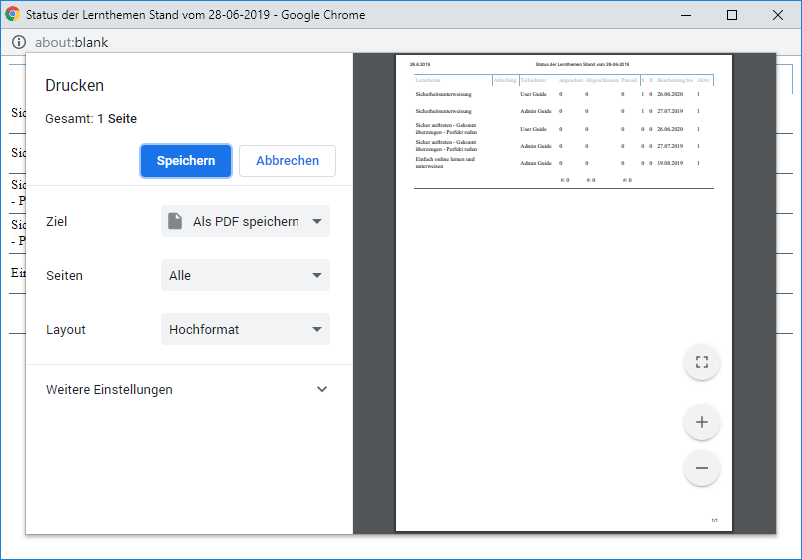 |
| Clear Filter | Clears all filters / settings for the user data selection, and after clicking this button, all available records are displayed. |