



SVC Settings
Allows you to configure the settings for the web service interface (Usable only by the ROOT role).
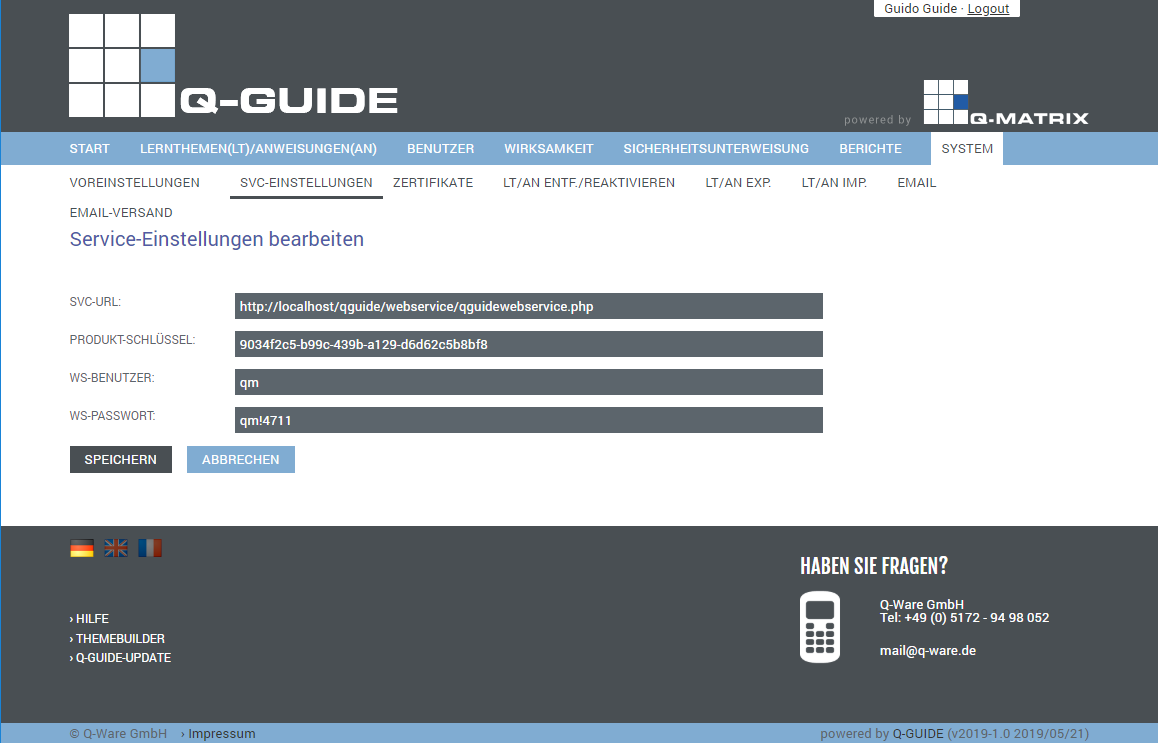
You can make the following settings:
| Web Service URL |
Here you can enter the URL / address of the web service. Normally, the URL is composed as follows: http://<server_name>/<subdir>/webservice/qguidewebservice.php
| ||||
| Product Key | Enter the Q-Matrix™ product key from your license here | ||||
| Web Service User | Assign the same username as the one from the Q-Matrix™ settings | ||||
| Web Service Password | Assign the same password as the one from the Q-Matrix™ settings |
The Save button applies all the settings you have made to the database.
From this moment on, these settings are active and taken into account.