



Program Screen
The program screen for Q-Guide is based on recurring elements.
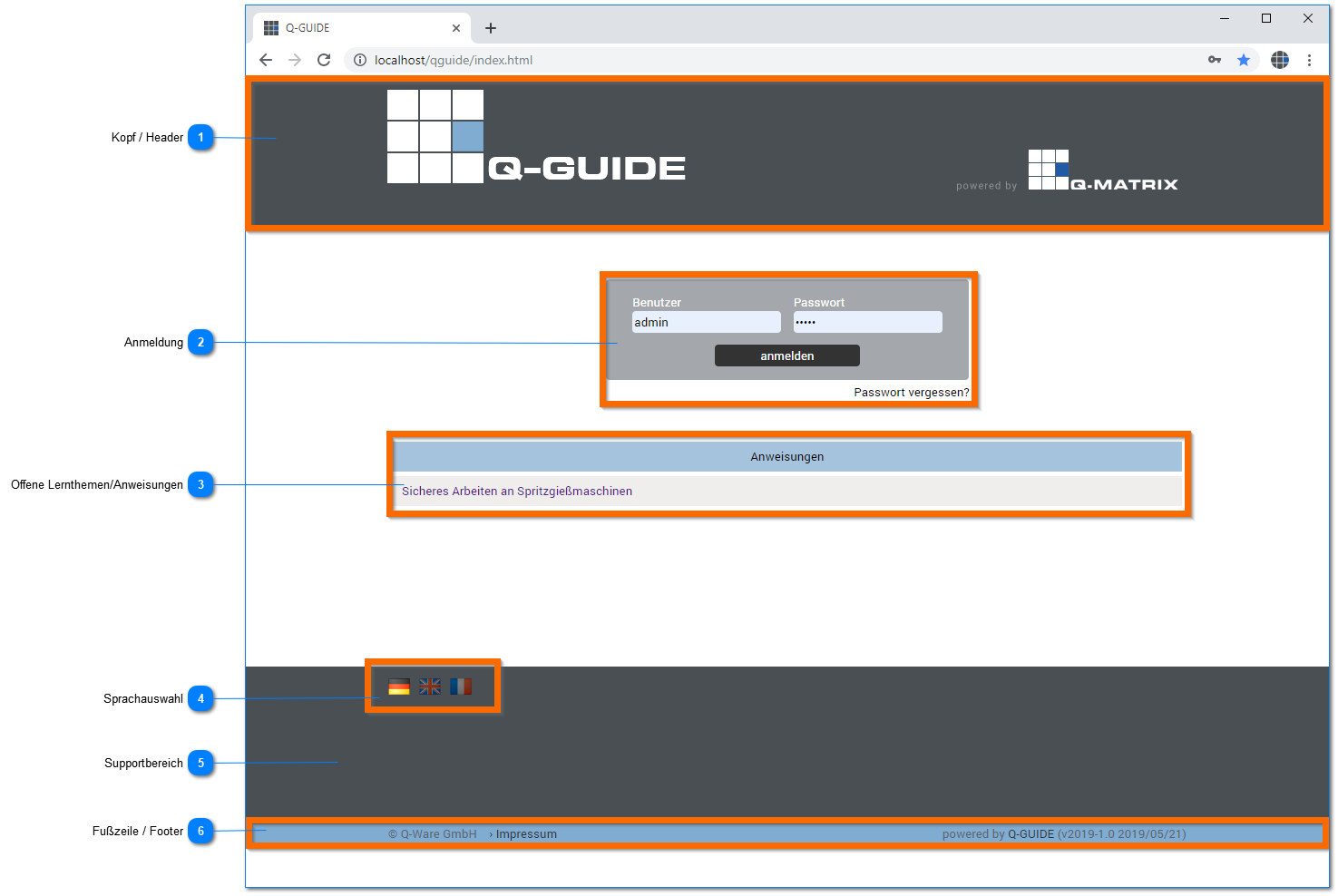
Header
This area is used to display the program header and, after login, contains the main menu and the user bar.
For more information, see the user interface.
Login
The home page includes the program login
| User | Enter the username here. You can find it in the welcome email, or it will be provided to you by the administrator. |
| Password | Enter the password for the username here. You can find it in the welcome email, the password change email, or it will be provided to you by the administrator. |
| Forgot password? | If you have forgotten your password, you can click this text with the left mouse button, and a window for entering the username will appear.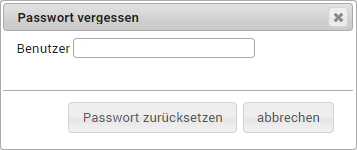 Once you have entered the username, you can reset the password via the Reset Password button. If no email address is stored for the username, you will be notified with the following dialog. In this case, the password can only be reassigned by the administrator. 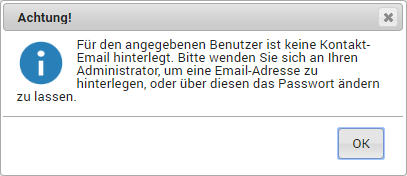 If the username has a configured email address, you will be sent an email with the new password: Q-Guide forgot password Link: %resetpass_link% If you have any questions, please contact your internal point of contact. Support Phone: +49 (0)5172 94 98 052 Email: [email protected] Best regards Your Q-Guide team |
Open Learning Topics/Instructions
Here, all open learning topics / instructions are listed for which no login is required.
This ensures that basic topics and instructions are available to every employee at all times.
Language Selection
Click one of the flags to select the desired language.
The currently active language is highlighted, while the inactive languages are shown darkened.
By default, German is always initially displayed as the active language ( ).
).
 | German | Switches the active language of the user interface to German. |
 | English | Switches the active language of the user interface to English. |
 | French | Switches the active language of the user interface to French. |
Support Area
Here, after logging in, you can find a link to this help as well as hotline information.
If you are logged in to the administration area, you can access further functions
| THEMEBUILDER | As an administrator, you can change the appearance, i.e. colors, fonts, etc. |
| Q-Guide-UPDATE | As a super administrator, you can use these functions to apply updates/enhancements/bug fixes for Q-Guide. |
Footer
The following information is displayed in the footer:
| Legal Notice | 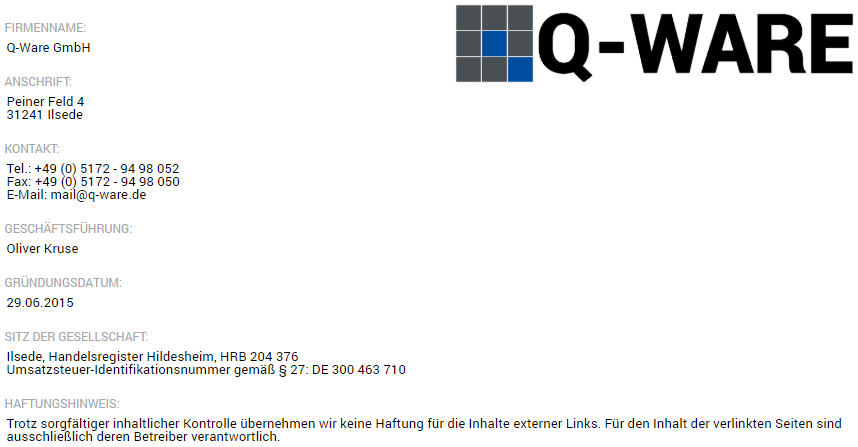 |
| Version | Shows the version being used, for example powered by Q-Guide (v2019-1.0 2019/05/21) |