Menu Item "Qualification Levels"
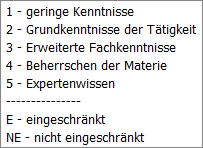
Qualification levels are used in Q-Matrix™ to assess employees.
Here you have the option to define the qualification levels precisely.
Based on this weighting, the target and actual values are then continually determined/displayed within Q-Matrix™.
At minimum, two (2) qualification levels are required, i.e. YES/NO.
In other words, whether an employee has a qualification or not.
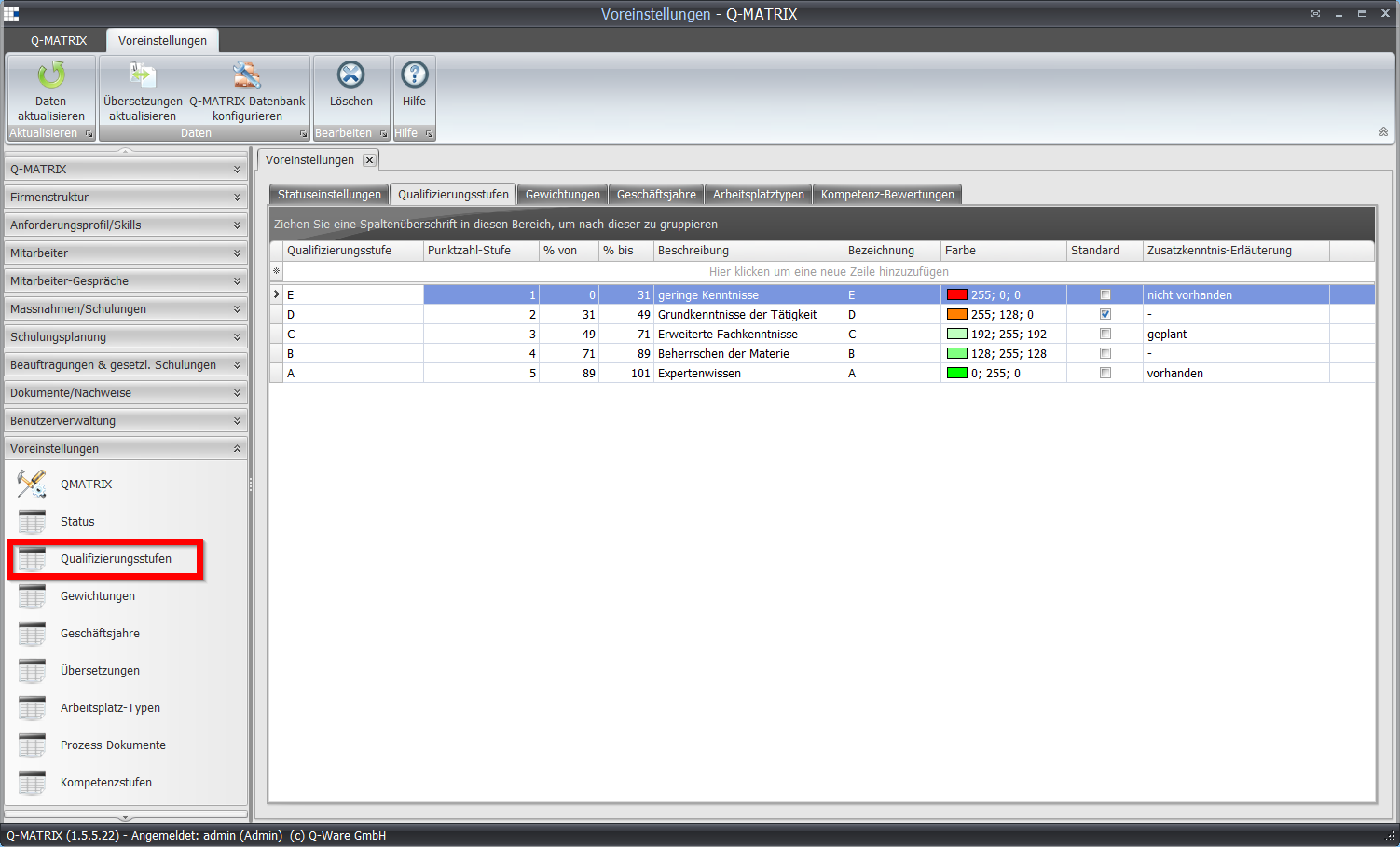
Default Levels (Best Practice)
The following settings have proven to be the best approach for many companies:

Table Settings
| Qualification Level | Enter the name of the qualification level here. Only character values can be entered here, i.e. a single character such as a letter or a number. |
| Score Level | Enter the numeric value of the qualification level here. These values are also later used in Q-Matrix™ to calculate the weighted result. |
| % From | Enter the starting value of the percentage range in which the qualification level falls. Note: This value should be the end value of the previous level. |
| % To | Enter the end value of the percentage range in which the qualification level falls. Note: This value should be the starting value for the next level. |
| Description | Enter a precise description of the qualification level here. This description is also shown when selecting qualification levels and serves as a decision aid when assessing employee qualifications. |
| Color | Click the field and select an individual color setting from the color picker. Click the various tabs to switch between color profiles. 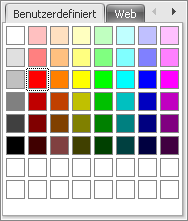 |
| Default | Specify here which score should apply as the minimum score when assigning individual tasks to positions in your company. You can also not set a default, and thus consider and assess each individual task separately. |
The view of the qualification levels in the individual qualification matrix: