



Menu Item "Individual Requirements"
Individual tasks are activities that are relevant to a position.
A defined set of individual tasks thus describes the scope of tasks of a position.
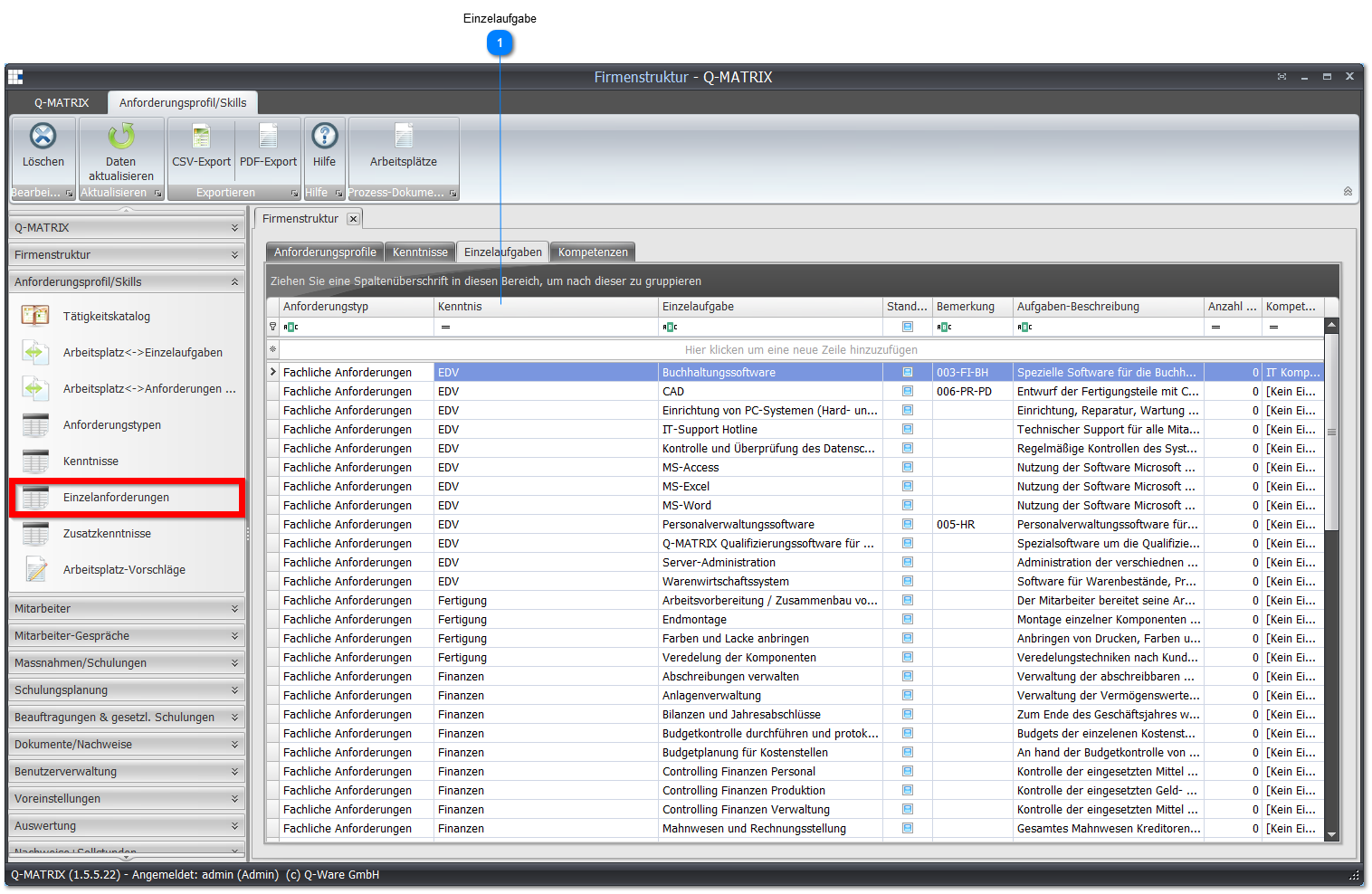
 Individual Task

| Requirement Type | Shows the associated requirement type of the skill hierarchy |
| Skill | Select a skill that is assigned to the individual task |
| Individual Task | Assign an exact name for the individual task |
| Default | Here you define the default individual task that is automatically selected when assigning basic evidence records |
| Remark | Record a remark about this individual task |
| Task Description | Record as precise a description as possible of the individual task. The task description is shown, among other places, in the activity catalog and in the qualification matrix via the context menu |
| Number of Process Documents | Shows how many process documents are assigned to/associated with this individual task |
| Competency Type | Here you define which competency type this individual task belongs to |
To change a record, click in the row/cell of the record to be changed and enter the desired information.
After the change, you must leave the row again so that the record is saved.
Right-clicking takes you to the context menu.
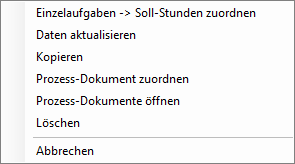
| Individual Tasks -> Assign Target Hours | Opens the distribution of target hours for an individual task |
| Refresh Data | The data is refreshed |
| Copy | Opens the copy dialog so that the selected individual task can be added to another skill hierarchy: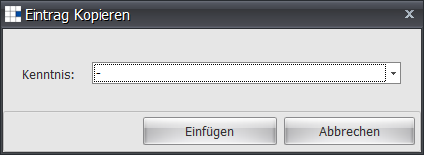 To do this, select the target skill from the dropdown list and confirm with the Insert button. |
| Assign Process Document | Opens the document selection dialog: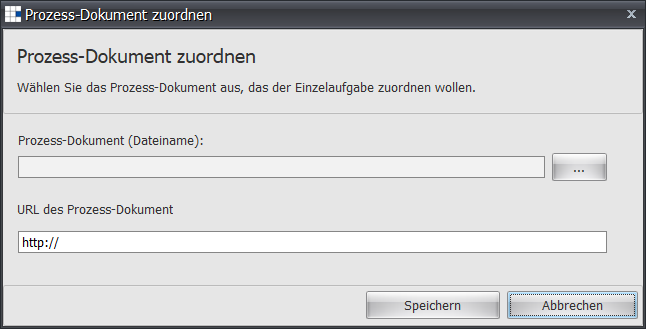 The Save button saves the selection. |
| Open Process Document | Shows the dialog for the process document overview, to open a document from it: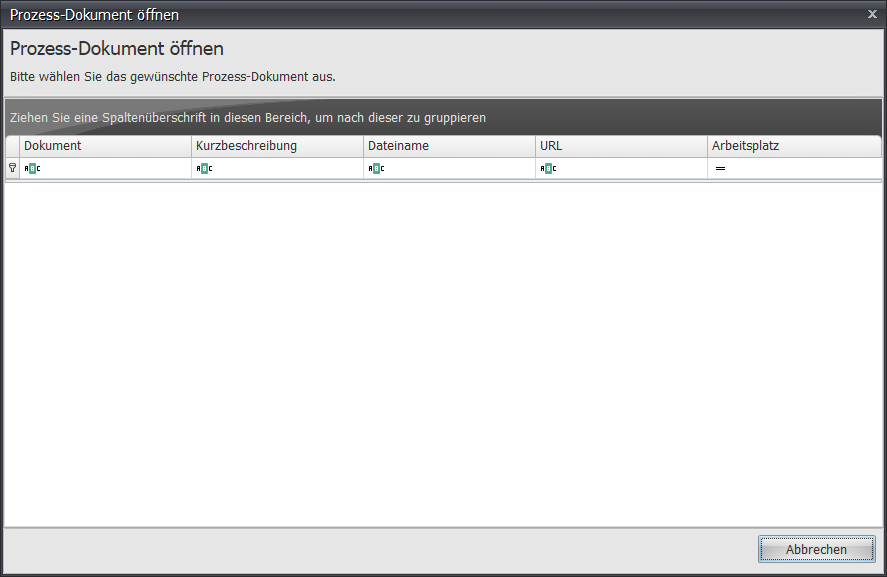 |
| Delete | The individual task is deleted |
| Cancel | The context menu is closed |