



Export LT / IN
Using a tabular overview for exporting all learning topics / instructions, you can export any of them.
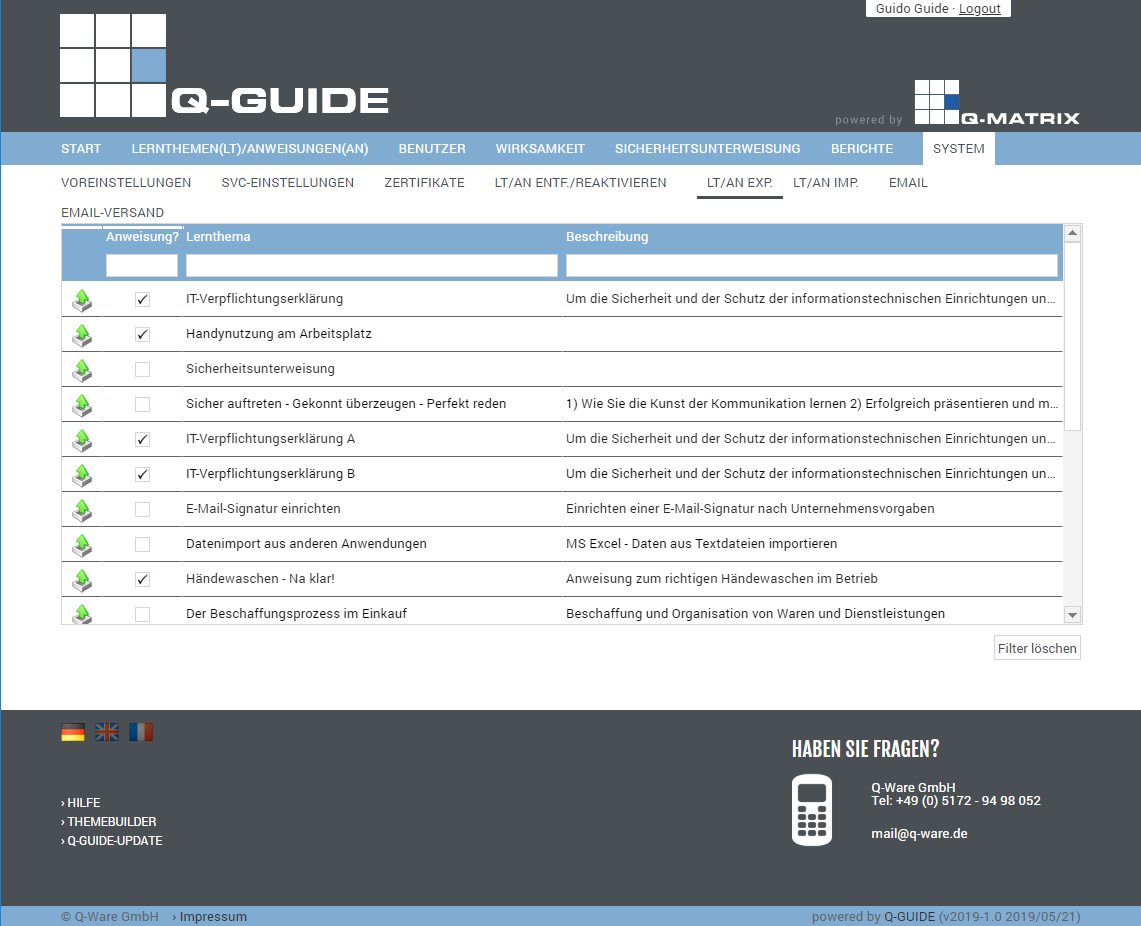
You can view the following information:
Export | Clicking this icon in a row exports the associated learning topic or instruction (assembled into a packed file) and then downloads it to your browser's configured download directory as EXPORT.ZIP. |
| Instruction | This column shows whether it is an instruction ( ) or not ( ) or not ( ) ) |
| Learning Topic | This column shows the title of the learning topic / instruction |
| Description | Shows the description of the learning topic / instruction |
You can use these functions:
| Clear Filter | Clears all filters / settings for the data selection, and after clicking this button, all available records are displayed. |