Reports
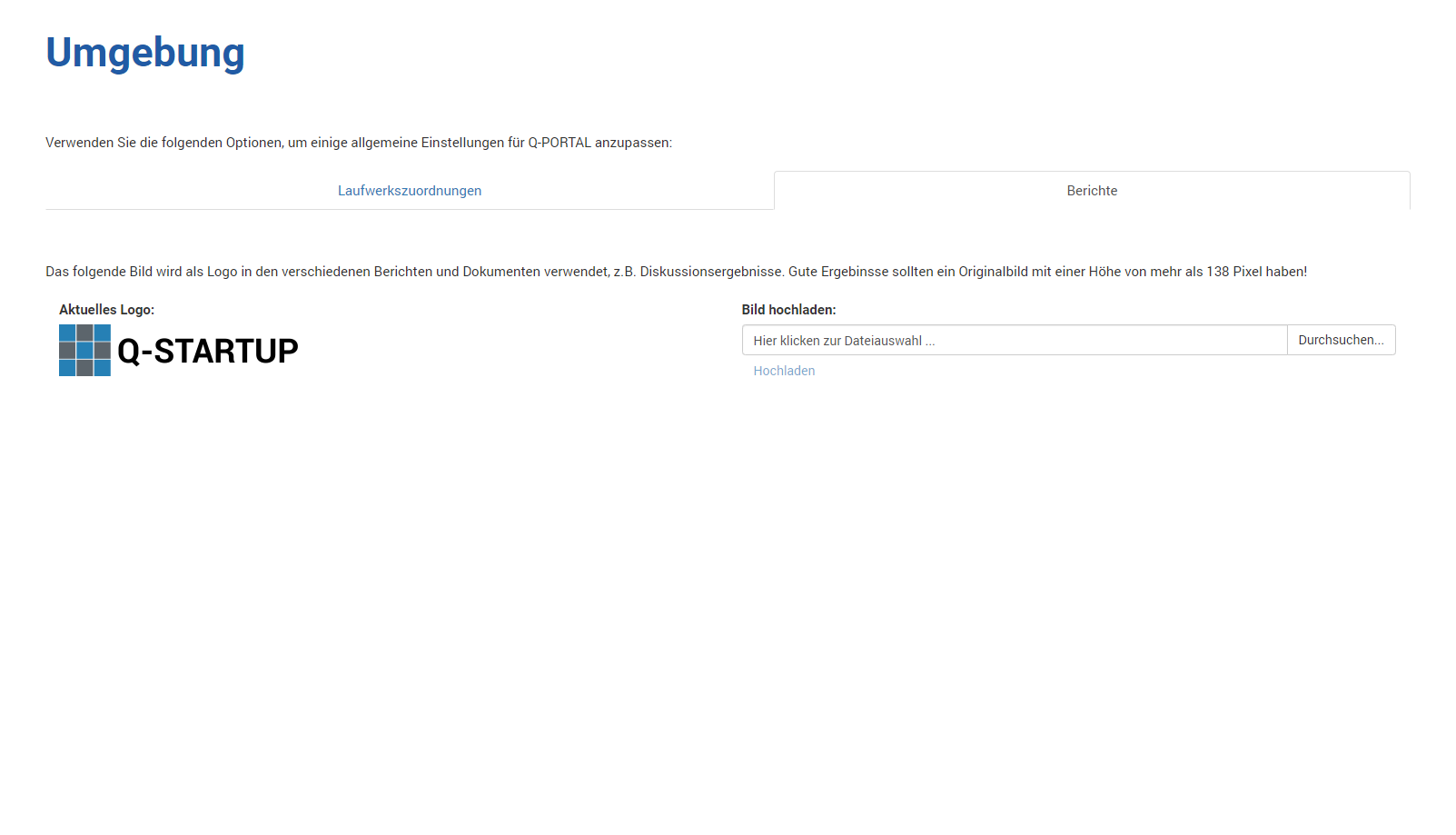
With this function, you can set the logo for reports in Q-Portal.
Click Browse to upload a new image (allowed file extensions are .JPG, .JPEG, .GIF, and .PNG).
The maximum size of the image file is limited to 512 KB, and the image is always converted to a height of 138 pixels for use.
This "compression" is performed to avoid real-time scaling of images.
Once the upload has completed successfully, the new image is shown on the left.
Example:
- The image file is 200 pixels high and 400 pixels wide.
After uploading, the image is then saved and displayed at 138 pixels high and 276 pixels wide. - The image file is 100 pixels high and 200 pixels wide.
After uploading, the image is then saved and displayed at 138 pixels high and 276 pixels wide.