



"Qualification Matrix" Menu Item
The qualification matrix gives you a highly condensed overview of the overall assessment of your employees.
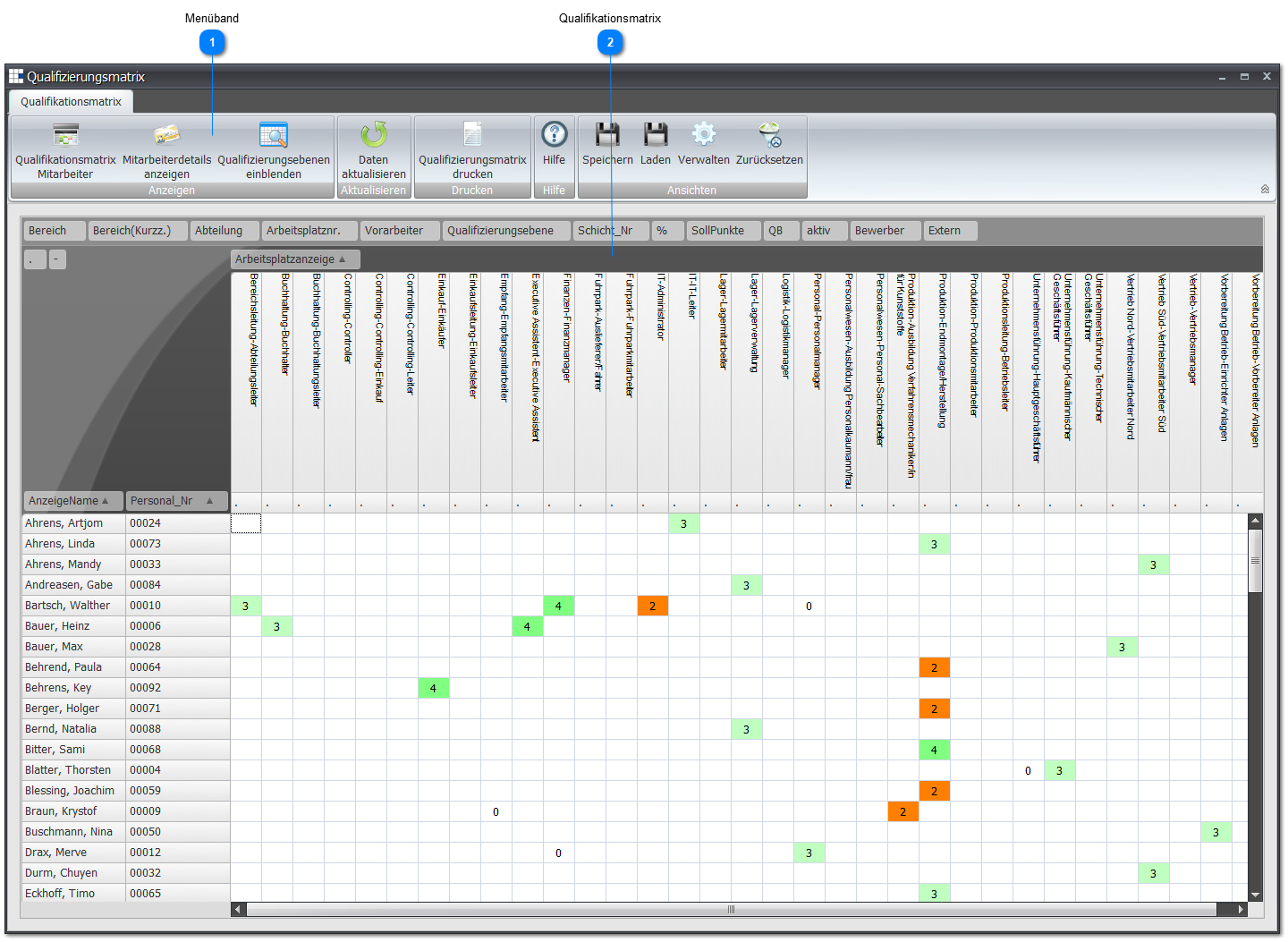
 Ribbon

- Employee qualification matrix opens the employee's assessment screen
- Show employee details opens the employees' detail view
- Show qualification levels opens a small window showing the currently configured qualification levels
- Print qualification matrix opens the result according to the preferences. If the Excel template is used, the security notice must be accepted and the small macro for display preparation started.
 Qualification matrix
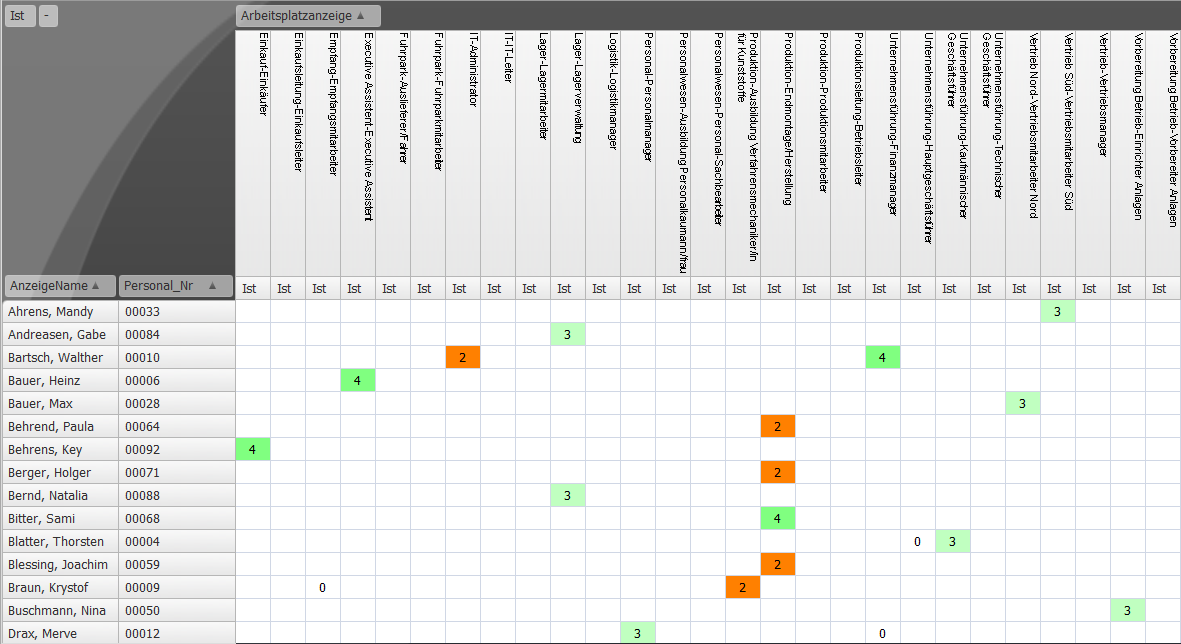
To edit an employee's assessment, simply double-click the cell/field showing the desired employee's assessment.
Using the context menu or the corresponding button in the ribbon takes you to the employee's assessment screen.
The overall assessment (average value) is calculated from the assessment of the individual tasks, taking the weighting of the tasks for the workplace into account.
The definition of the qualification levels in preferences is also referenced.