



Editing a User
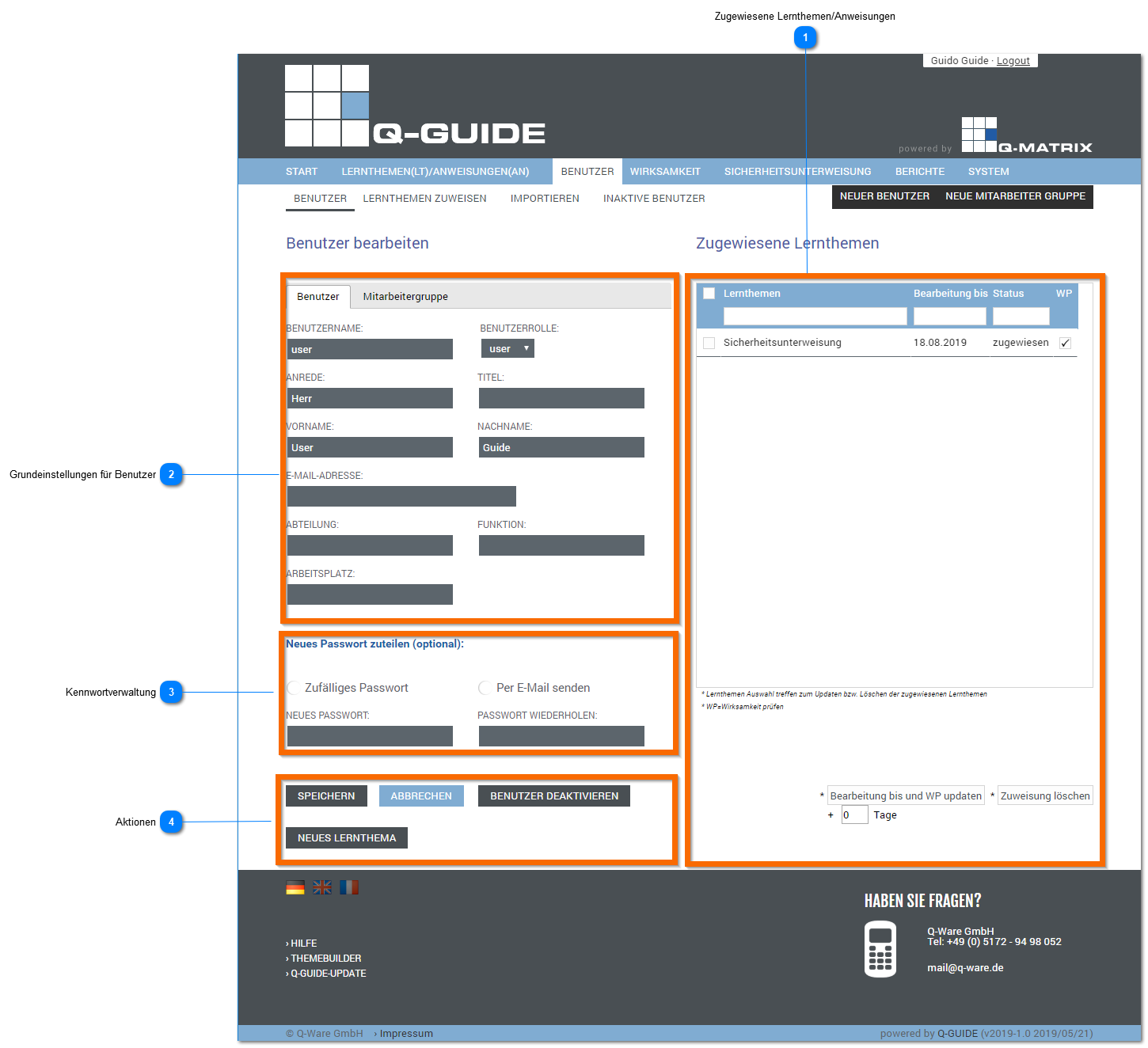
Assigned Learning Topics/Instructions
Shows in a tabular overview which learning topics / instructions are assigned to the user.
The following information and actions are available:
| Selection Table |
This information is displayed:
| ||||||||
| Update Processing Date and WP |
There are two (2) options for changing the date:
Then click this button to fix / change the processing date Note: Leave the numeric value at 0 (zero) in the +N Days field if you want to set an individual date per user. If a value greater than zero (0) is used in the +N Days field, that value is always added to the date. | ||||||||
| Delete Assignment | Deletes the assignment for the current user (no deletion confirmation is shown)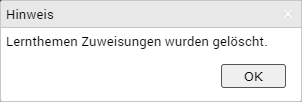 | ||||||||
| +N Days | Moves the processing date for the current user forward by N days |
 ), and the row is selected (
 ). The selected row is also highlighted with a light blue background to indicate the selection.
Basic Settings for Users
Lets you manage the basic settings for users, i.e. user data as well as membership in employee groups.
Password Management
In password management, you can assign a new password to the user at any time.
You can choose between a random password or one specified by you.
You can also specify whether the password should be sent by email or not.
The password is reassigned/set according to the settings you have made as soon as you click save as the action.
Actions
| Save | Saves all the information you have entered, for example a new name or new password |
| Cancel | Exits editing mode for the user and returns to user management |
| Deactivate User | Deactivates this user (marked for deletion), and this user can no longer log in |
| New Learning Topic | Opens the wizard for assigning a new learning topic |