



Menu Item "Company Objectives"
The "Company Objectives" menu item opens a wizard for editing and managing the company objectives.
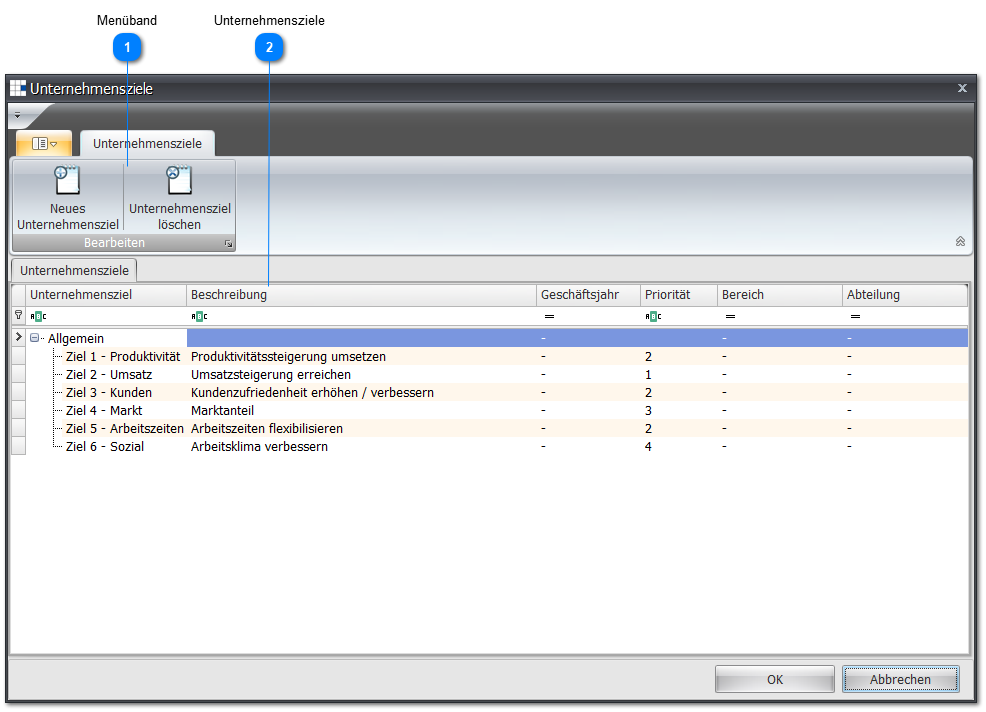
 Ribbon
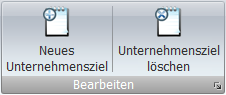
| New Company Objective | In the following entry screen you can enter the necessary information: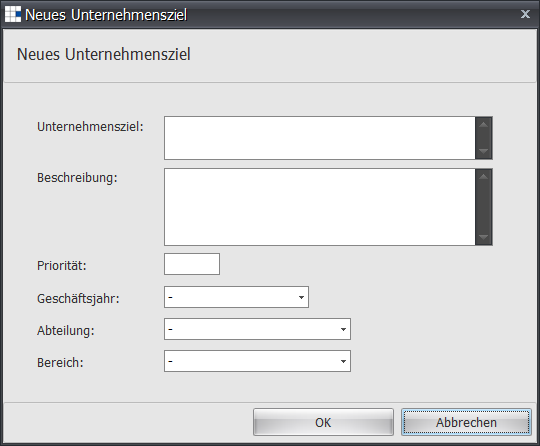 Without entering a company objective name, no new company objective can be created. New objectives are always added below the selected company objective. To adjust the objective hierarchy, follow the instructions in Company Objectives. |
| Delete Company Objective | Deletes the selected company objective after confirming the delete dialog: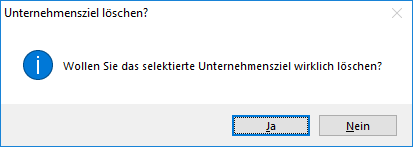 |
 Company Objectives
The company objectives are structured and managed hierarchically.
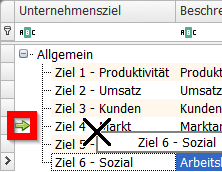
To do this, the objectives can be moved in the Company Objective column.
Changing the position or hierarchy is done via a left click on the objective.
While holding down the left mouse button, the objective is dragged to a new position in the Company Objective column.
Once the desired position or hierarchy is reached, the mouse button can be released and the new position is set.
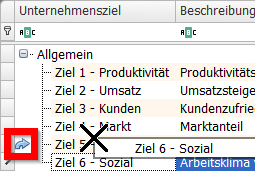
A small arrow on the objective structure indicates whether the hierarchy level or position is being changed.
| Company Objective | Defines a company objective |
| Description | Describe the company objective |
| Fiscal Year | Company objectives can be generally valid and therefore not belong to any fiscal year. However, you can also define company objectives for a specific fiscal year. |
| Priority | If the company objectives have different priorities, you can set this here. |
| Area | Company objectives can be generally valid and therefore not belong to any area. However, you can also define company objectives for a specific area. |
| Department | Company objectives can be generally valid and therefore not belong to any department. However, you can also define company objectives for a specific department. |