



Menu Item "Annual Planning"
In annual planning, you can get an overview of measures and, if needed, carry them over into an upcoming fiscal year.
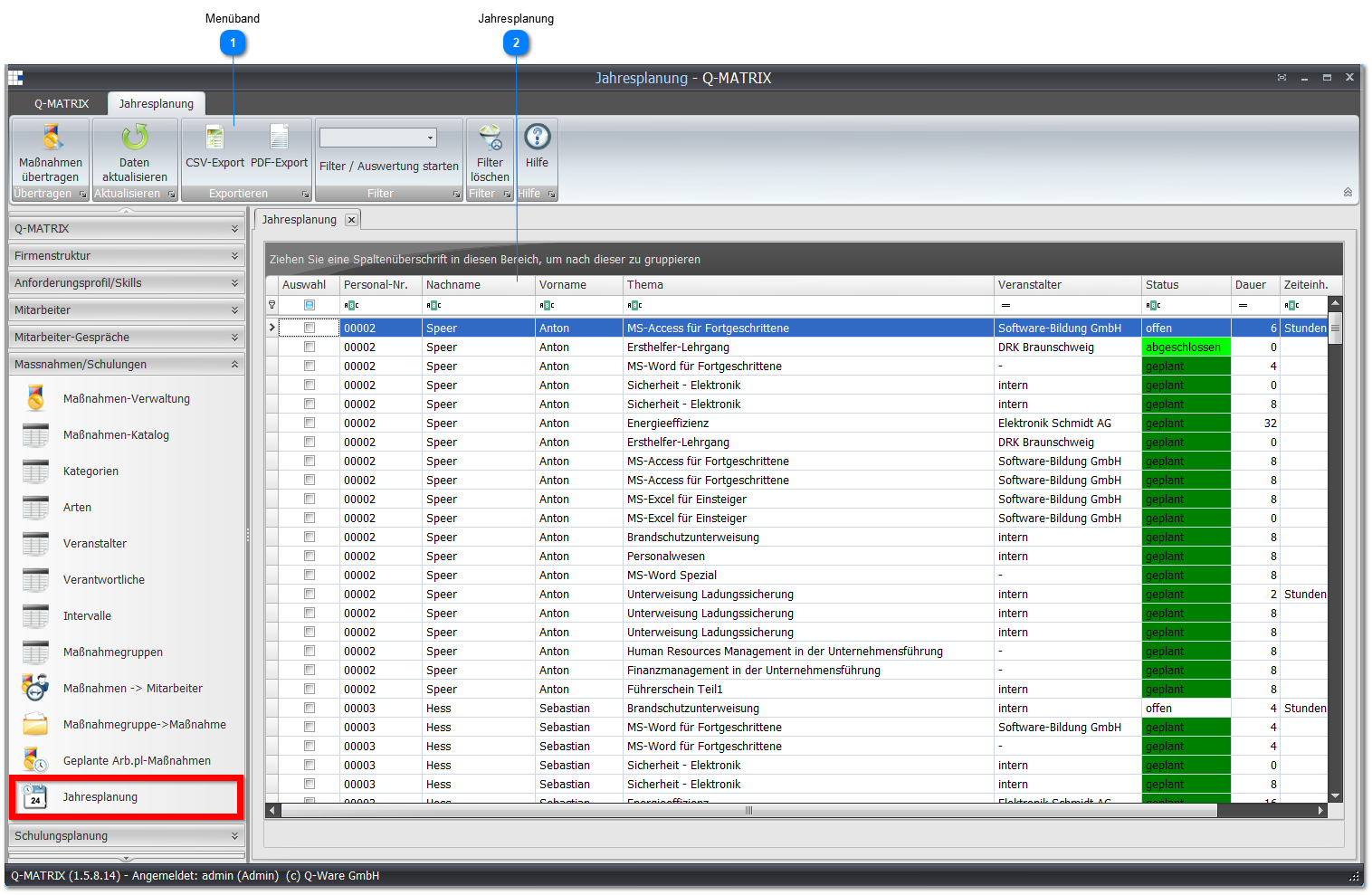
 Ribbon

| Carry Over Measure | Carry over the selected measure(s) for the selected employees to the next fiscal year. Alternatively, you can select this option by right-clicking the context menu of the desired measure. |
| Status Filter | In the dropdown menu, you can choose from four different filter options:
|
| Clear Filter | Removes the selected filter. The view again covers the entire data set. |
 Annual Planning
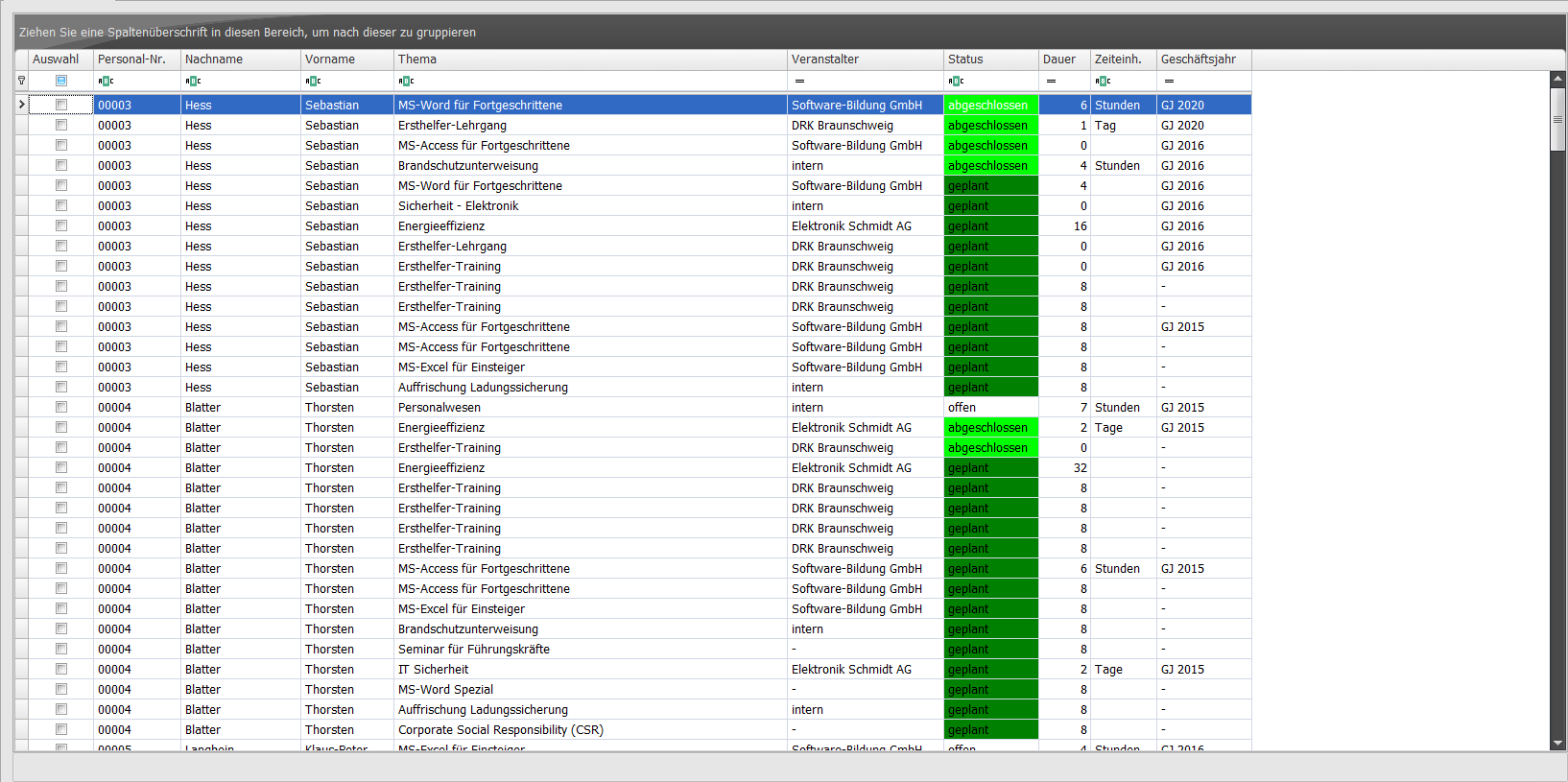
Select the measures you want to carry over to another fiscal year by enabling the checkboxes in the Selection column.
To carry them over, select the Carry Over Measure function in the ribbon or via the context menu.
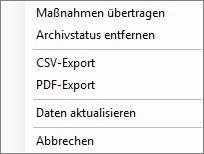
You can also remove the archive status of a measure via the context menu.
You can then set the desired date specification in a fiscal year assignment dialog
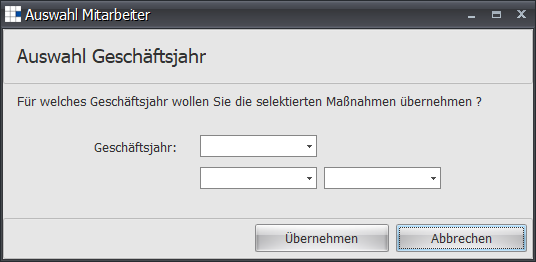
In the dropdown at the top, you can select one of the upcoming fiscal years.
In the fields below, you can assign a start and end date for a fiscal year.
Note:
In this view, you can reactivate archived measures/training courses, i.e. remove the archive status.
If you mark several archived measures/training courses, you can remove the archive status for all marked items at once via the context menu!